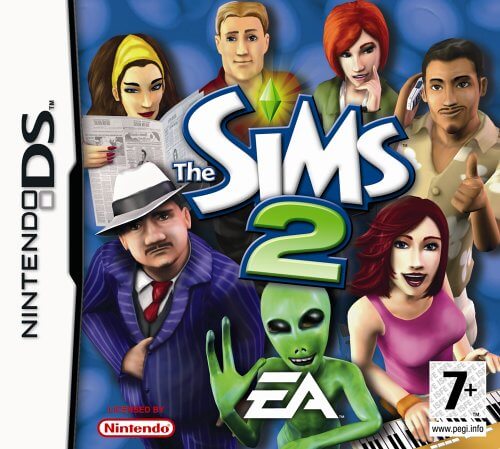
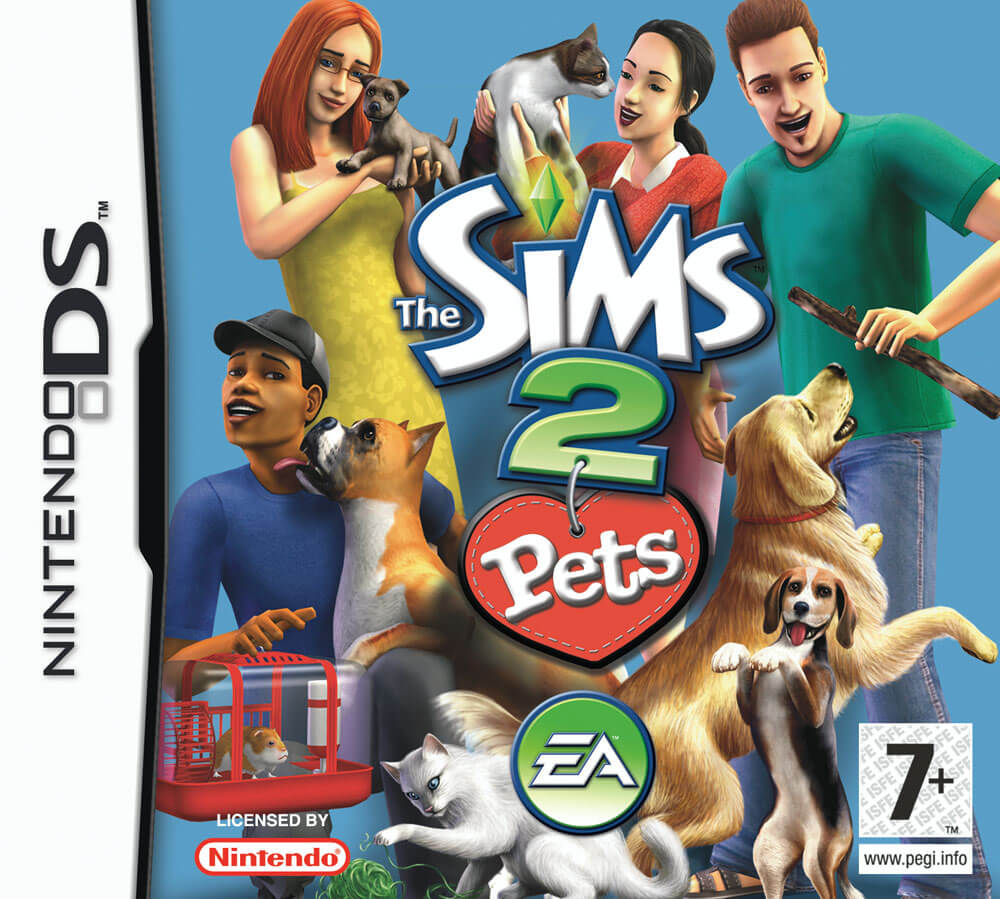
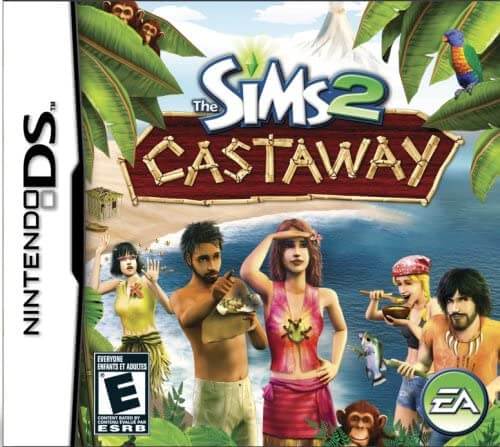
Play unfolds through town exploration, dialogue, errands, and management of your Sim’s needs. After creating a character, you move between locations, accept tasks, earn Simoleons, and improve abilities relevant to jobs or requests. The DS version simplifies building and emphasizes story progression, object interaction, and NPC relationships. Controls combine button movement with menu and touch-based interactions, and progress unlocks new areas, items, outfits, and additional activities.
The Sims 3
Nintendo DS
Login to use cloud saves
Login
Controls
These are the emulator defaults. You can remap them from the emulator menu.
PC Keyboard
Game Button
↑
UP
↓
DOWN
←
LEFT
→
RIGHT
Z
A
X
B
A
Y
S
X
Q
L
W
R
Enter
START
Shift
SELECT
Game-specific controls
No verified game-specific inputs or combos are available for this version yet.
Gameplay
Characters
Player-created Sim
The main character designed by the player, whose daily life, jobs, relationships, and personal goals drive the game.
Town residents
NPCs who provide quests, social opportunities, clues, and event-based progression throughout the town.
Strategy
Finish early tutorial objectives quickly to open up the town and its services. Keep needs such as energy and hygiene in good condition before taking on longer tasks. Focus first on skills and friendships tied to current objectives so progress is more efficient. Read quest text carefully, since some goals depend on specific locations or interactions. Save money early and spend on items that improve convenience rather than cosmetic extras.
Cheats
No cheats or unlockables available
Tips
Tips and tricks
- Memorize key facilities and frequently visited locations to reduce wasted travel time.
- Check objects and talk to multiple residents when a quest seems unclear; clues are often spread around town.
- Do not let your Sim’s needs drop too low before story missions, or efficiency will suffer.
- Balanced socializing and task completion usually leads to smoother progression.
Comments
Loading...
How do you play The Sims 3 online?
Start The Sims 3 directly on this page with ClassicEmu. The emulator runs in your browser, so you can play online without installing a desktop emulator first.
Related Games
More games from nearby platforms and categories.