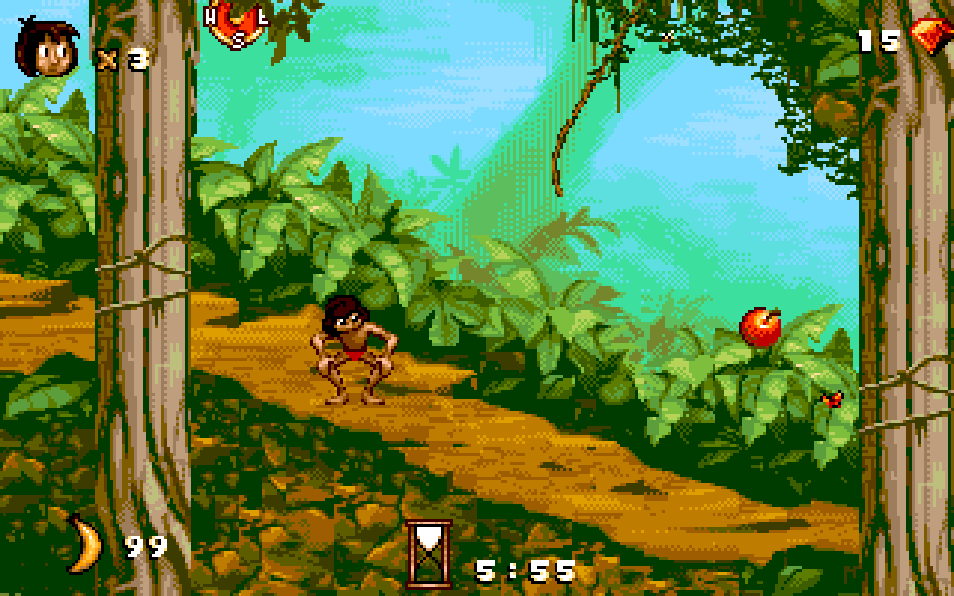
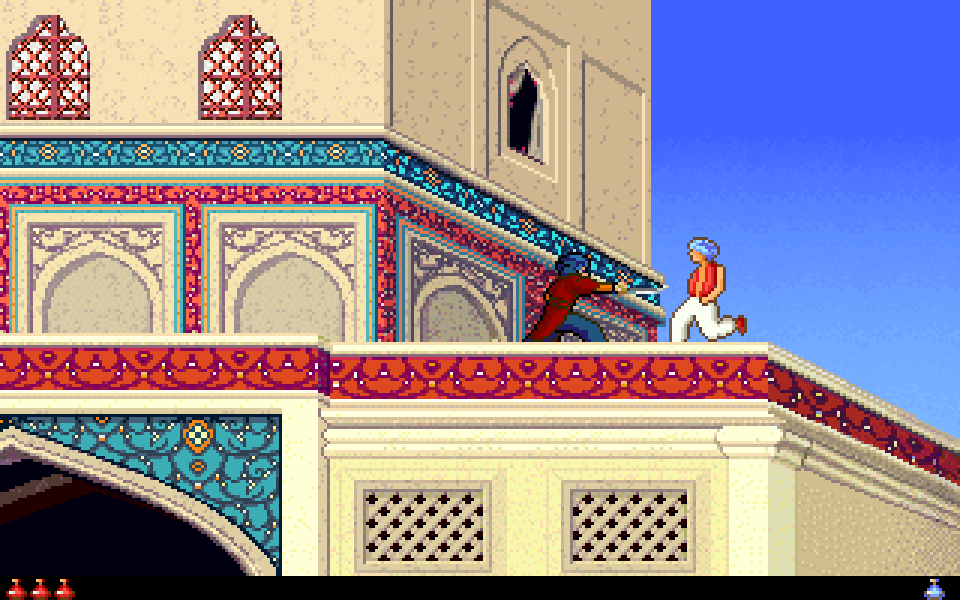
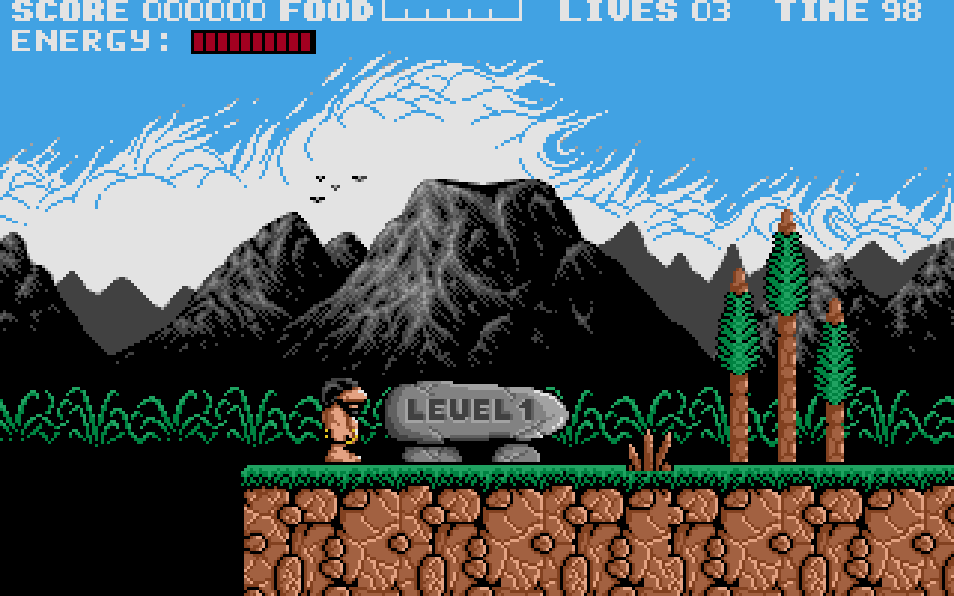
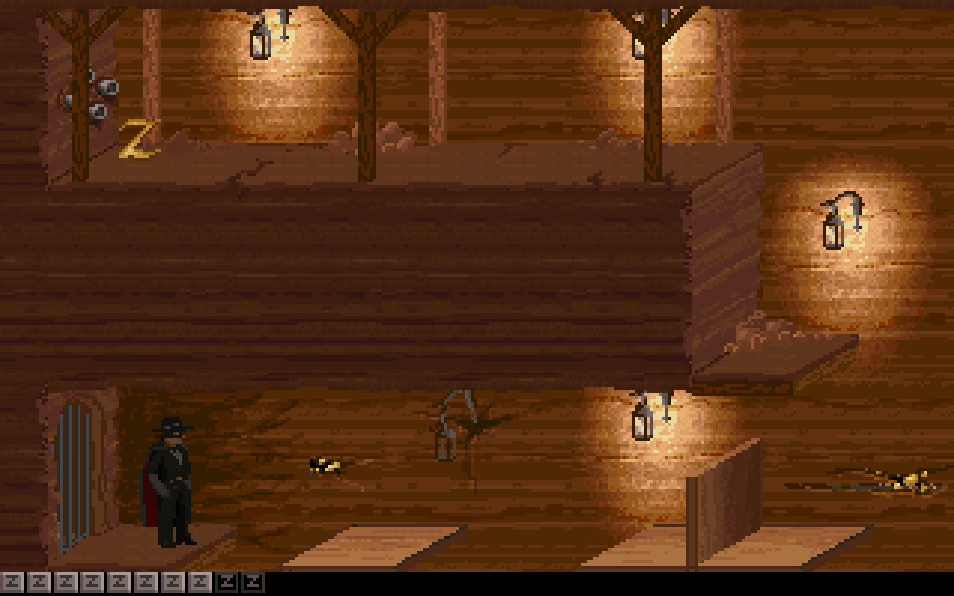
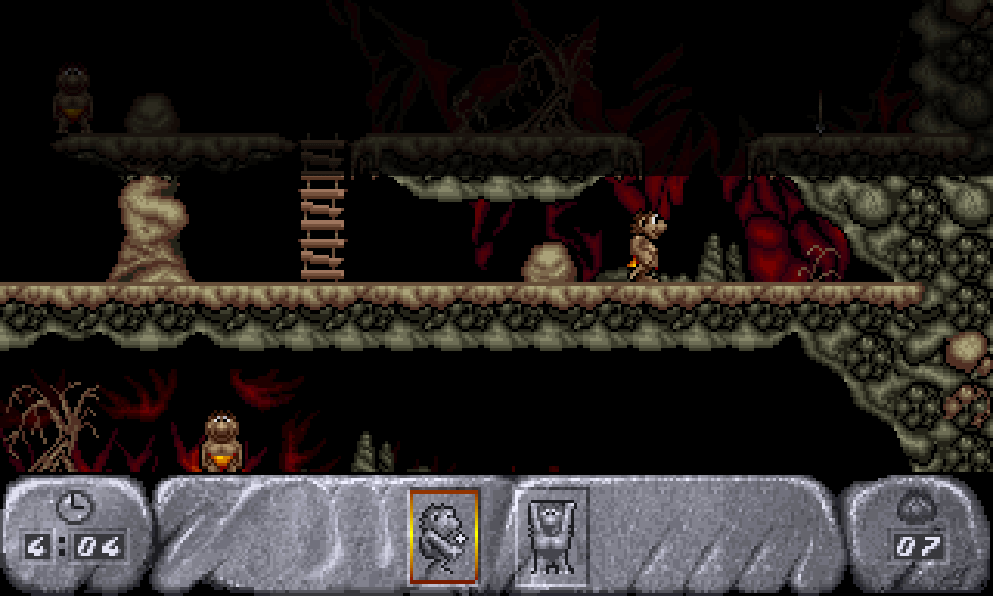
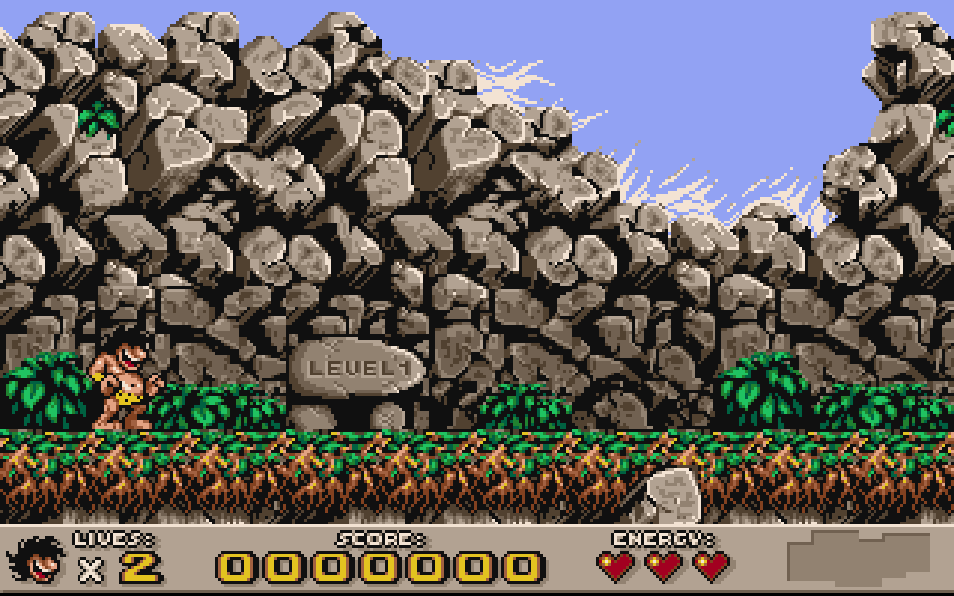
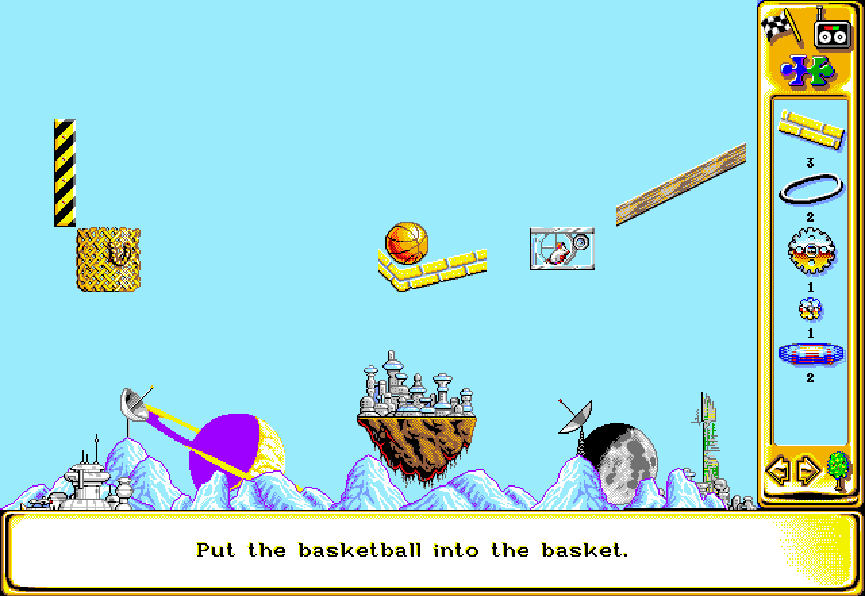
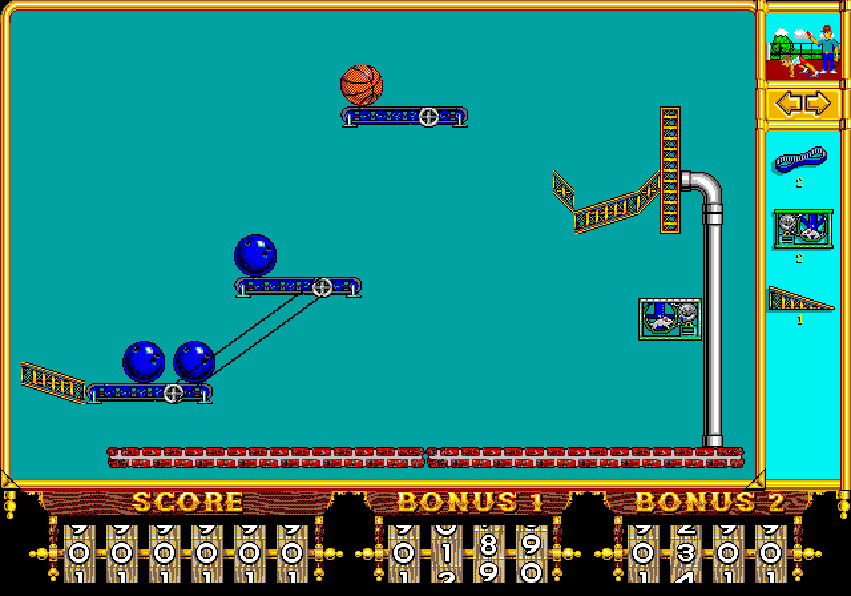
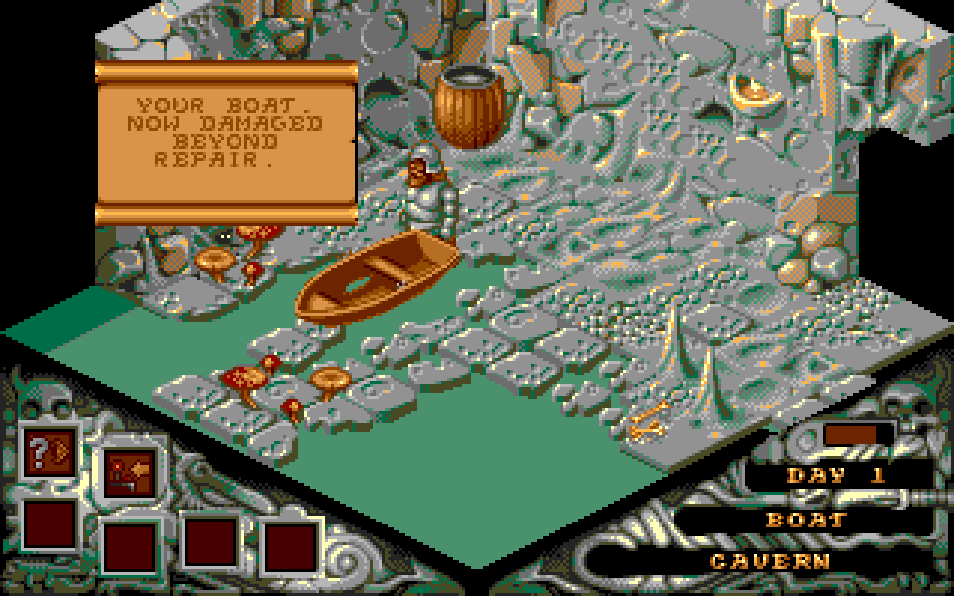
The game uses an isometric viewpoint over suspended islands and cloud platforms. Terry can move, jump, roll, and interact with stage objects such as switches, springs, teleporters, and moving platforms. Each level is timed, and falling off the edge costs a life. Progress is made by collecting the required crystals and reaching the exit, then selecting the next destination from branching paths that determine the route through the cloud worlds.
Cloud Kingdoms
DOSControls
These are the emulator defaults. You can remap them from the emulator menu.
PC Keyboard
Game Button
↑
Move up
↓
Move down
←
Move left
→
Move right
Space
Primary action
Enter
Confirm / start
Esc
Back / menu
Game-specific controls
No verified game-specific inputs or combos are available for this version yet.
Gameplay
Characters
Terry
The player-controlled sprite who explores the cloud islands, collects crystals, and survives the stage hazards.
Strategy
Learn the isometric depth carefully before making long jumps, since edges are easy to misread. Use springs and teleporters only after checking where they lead, and try to clear dangerous routes methodically rather than rushing against the timer. Because levels branch, choose paths with fewer hazards first when learning the game, so later routes are easier to recognize.
Cheats
No cheats or unlockables available
Tips
Tips and tricks
- Pause briefly to study platform alignment in isometric sections before jumping.
- Trigger switches from a safe position whenever possible to avoid being trapped by moving hazards.
- If a route looks unclear, take the branch with more visible landing spots and fewer enemies.
Comments
Loading...
How do you play Cloud Kingdoms online?
Start Cloud Kingdoms directly on this page with ClassicEmu. The emulator runs in your browser, so you can play online without installing a desktop emulator first.
Related Games
More games from nearby platforms and categories.