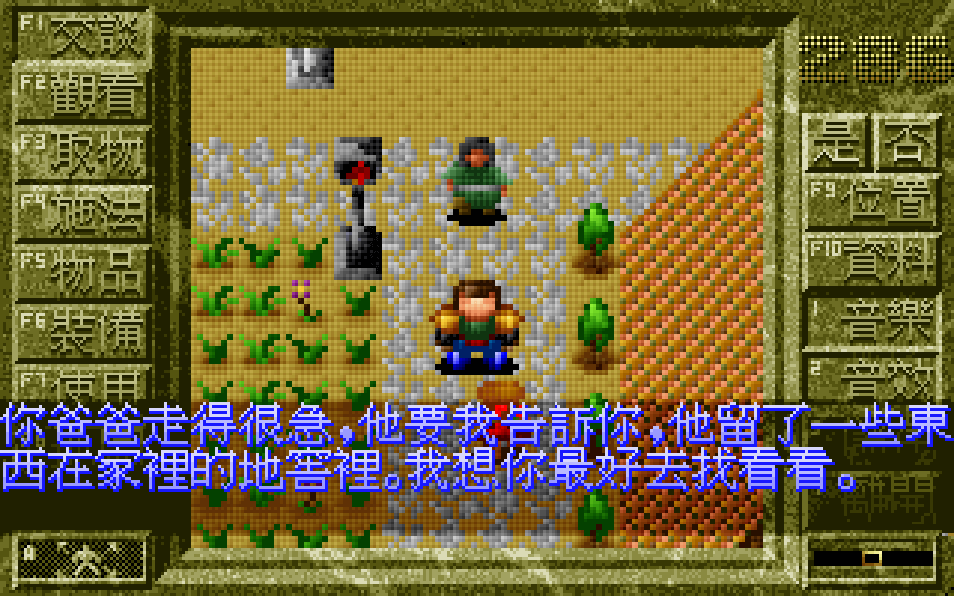
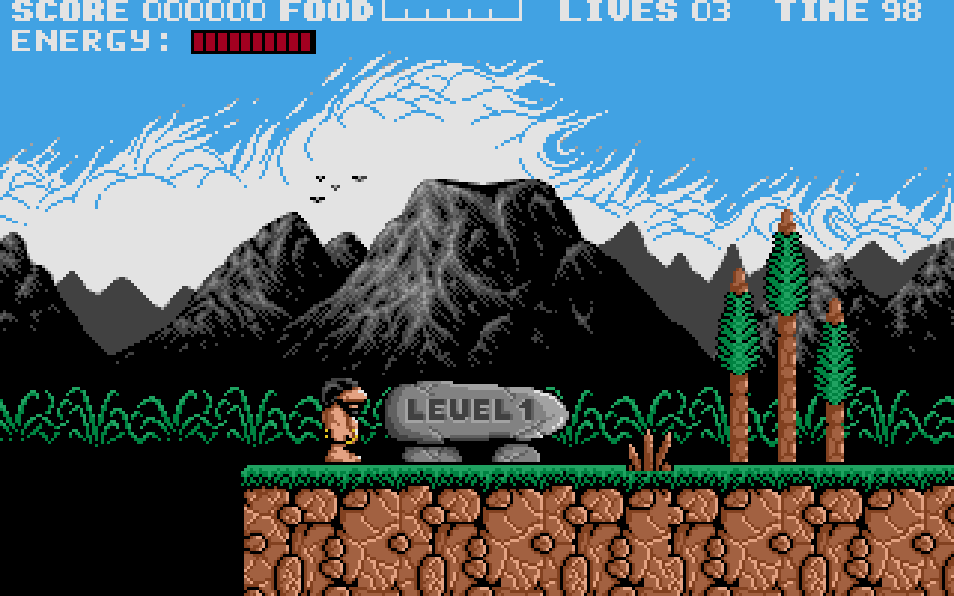
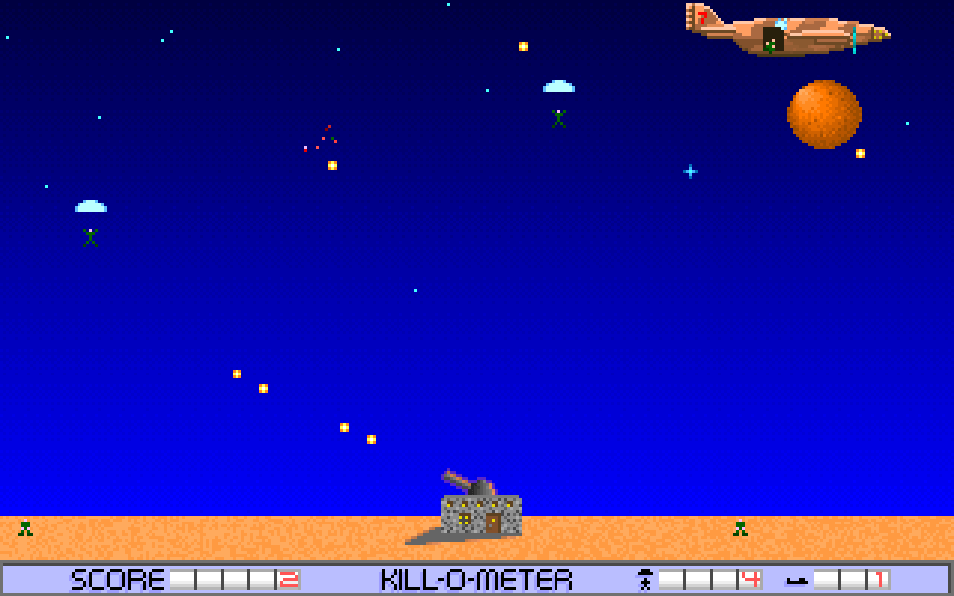
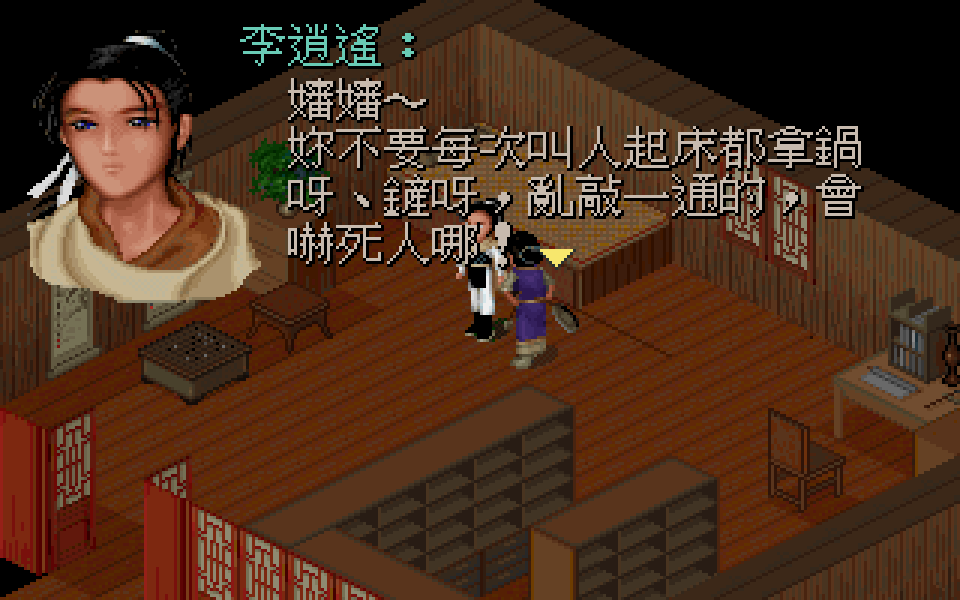
The game plays as a side-scrolling action-adventure with a strong emphasis on precise movement. Zorro runs, jumps, climbs, swings across gaps, and interacts with stage elements while advancing through about 20 scenes. Combat is built around two weapons: a whip for longer reach and a sword for stronger close-range attacks. Many areas require solving environmental puzzles, such as triggering mechanisms, crossing traps, and using stage devices to progress. Progression is linear, with each scene leading into the next and cutscenes helping frame the story.
Zorro
DOSControls
These are the emulator defaults. You can remap them from the emulator menu.
PC Keyboard
Game Button
↑
Move up
↓
Move down
←
Move left
→
Move right
Space
Primary action
Enter
Confirm / start
Esc
Back / menu
Game-specific controls
No verified game-specific inputs or combos are available for this version yet.
Gameplay
Characters
Zorro
The masked swordsman protagonist, agile and skilled with both a whip and a sword.
Strategy
Take movement slowly and memorize obstacle patterns before committing to jumps. Use the whip when spacing matters and switch to the sword when enemies close in. In puzzle sections, examine the whole screen for switches, ledges, and interactive objects before acting. Because the game can be unforgiving, patience and careful timing are more important than speed. If a route seems impossible, try approaching the scene by testing every reachable environmental interaction.
Cheats
No cheats or unlockables available
Tips
Tips and tricks
- Learn the timing of jumps and ledge grabs early; many failures come from rushing.
- Use the whip to keep dangerous enemies at bay when space is tight.
- Treat each room like a puzzle first and a combat scene second.
- Watch for environmental objects that can be activated indirectly to open the path.
Comments
Loading...
How do you play Zorro online?
Start Zorro directly on this page with ClassicEmu. The emulator runs in your browser, so you can play online without installing a desktop emulator first.
Related Games
More games from nearby platforms and categories.