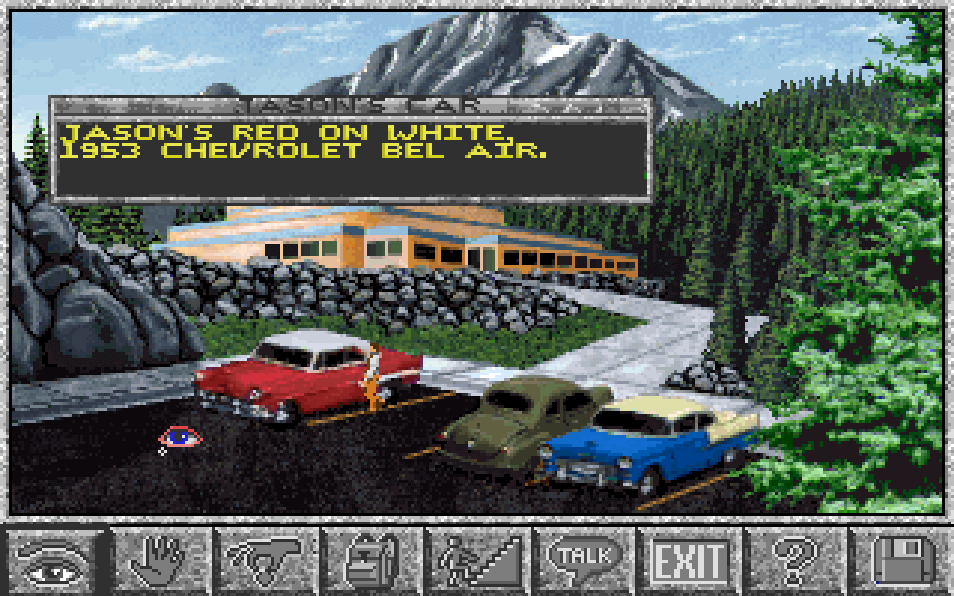
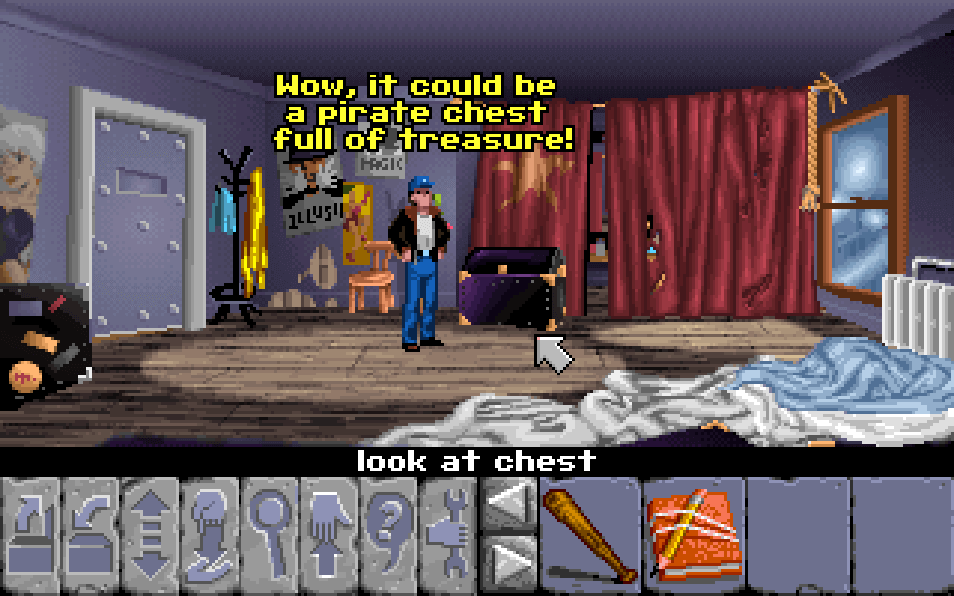
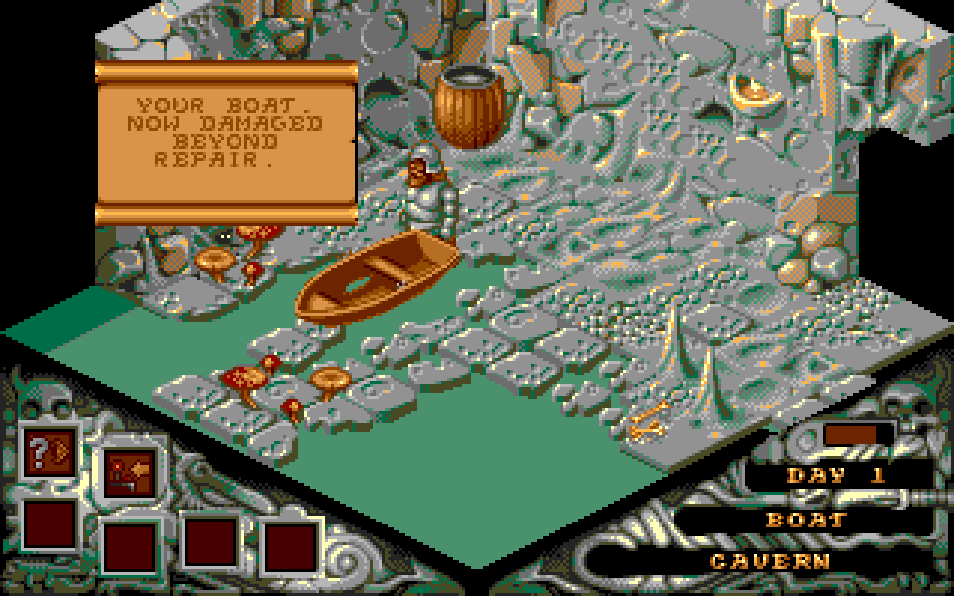
The game uses a point-and-click adventure interface with a side-view presentation and inventory-based puzzle solving. Players explore towns, wilderness areas, caverns, and castles, collecting items and combining them to overcome obstacles. Conversation with non-player characters is important for learning clues, understanding the world, and advancing the story. Progress is typically gated by solving location-specific puzzles and obtaining all needed crystal fragments, with scene changes and scripted events moving the narrative forward.
Altered Destiny
DOSControls
These are the emulator defaults. You can remap them from the emulator menu.
PC Keyboard
Game Button
↑
Move up
↓
Move down
←
Move left
→
Move right
Space
Primary action
Enter
Confirm / start
Esc
Back / menu
Game-specific controls
No verified game-specific inputs or combos are available for this version yet.
Gameplay
Characters
P.J. Barrett
A television repairman from Earth who is accidentally drawn into Daltere and becomes the protagonist of the adventure.
Helmar
The tyrannical ruler of Daltere, whose oppression drives the conflict in the game.
Strategy
Talk to every character whenever new items or events appear, since dialogue often changes after key discoveries. Keep careful track of inventory items and revisit earlier areas when you obtain something that looks unrelated; many puzzles require using an object in a different region. If progress stalls, examine newly accessible rooms, since the game often opens paths after major story events rather than through obvious map markers. Save frequently before testing item combinations or entering dangerous locations.
Cheats
No cheats or unlockables available
Tips
Tips and tricks
- Check every screen for usable exits and hidden interaction points before moving on.
- If an item seems useless, keep it; adventure puzzles often rely on later context.
- Revisit NPCs after major story milestones to unlock new hints.
Comments
Loading...
How do you play Altered Destiny online?
Start Altered Destiny directly on this page with ClassicEmu. The emulator runs in your browser, so you can play online without installing a desktop emulator first.