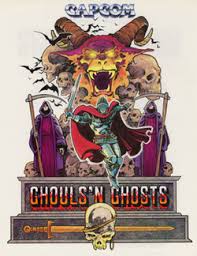
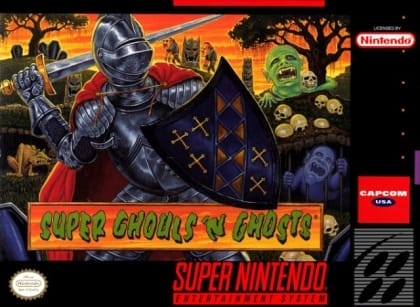
The game uses a side-scrolling view. Arthur can run, jump, climb, and throw weapons while facing enemies that emerge from the ground, the air, and stage hazards. His main weapon can be upgraded into different projectile types, but taking damage removes his armor and leaves him vulnerable. Each stage is built around enemy spawn points, jump timing, and terrain rhythm, and clearing the game unlocks an even harder second loop.
Ghosts 'n Goblins
Arcade SystemsControls
These are the emulator defaults. You can remap them from the emulator menu.
PC Keyboard
Game Button
↑
UP
↓
DOWN
←
LEFT
→
RIGHT
Z
A
X
B
A
Y
S
X
Q
L
W
R
Enter
START
Shift
SELECT
Game-specific controls
No verified game-specific inputs or combos are available for this version yet.
Gameplay
Characters
Arthur
The armored knight controlled by the player, who ventures into the demon realm to rescue the princess.
Prin-Prin
The princess kidnapped by the demon king and the target of Arthur's rescue mission.
Astaroth
The demon lord of the underworld and the main antagonist.
Strategy
Fight from a safe distance whenever possible and avoid rushing forward blindly. Learn enemy spawn points so you can react before they trap you. Use jumps carefully, especially near platform edges and moving hazards. Save strong weapons for later stages when possible, and memorize restart points to reduce repeated mistakes.
Cheats
No cheats or unlockables available
Tips
Tips and tricks
- Memorize where enemies spawn from graves, the ground, and screen edges.
- Clear airborne enemies first when they interfere with jumping routes.
- Keep a steady movement rhythm to avoid getting surrounded in tight spaces.
Comments
Loading...
How do you play Ghosts 'n Goblins online?
Start Ghosts 'n Goblins directly on this page with ClassicEmu. The emulator runs in your browser, so you can play online without installing a desktop emulator first.
Related Games
More games from nearby platforms and categories.