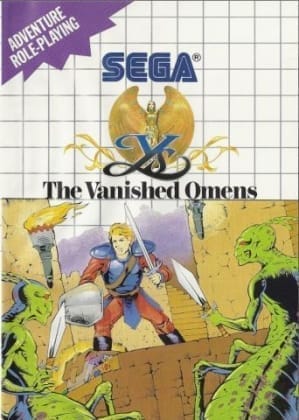
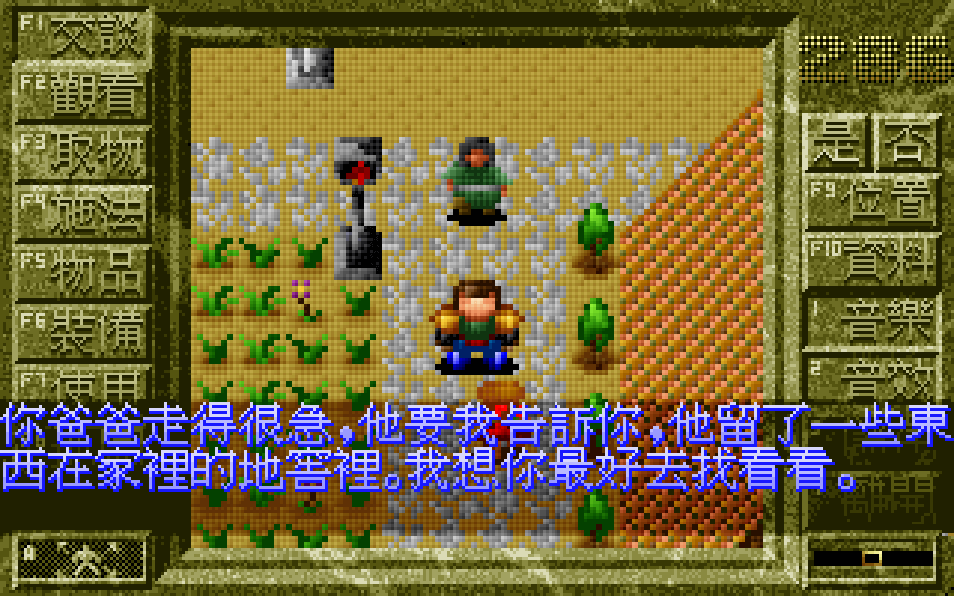
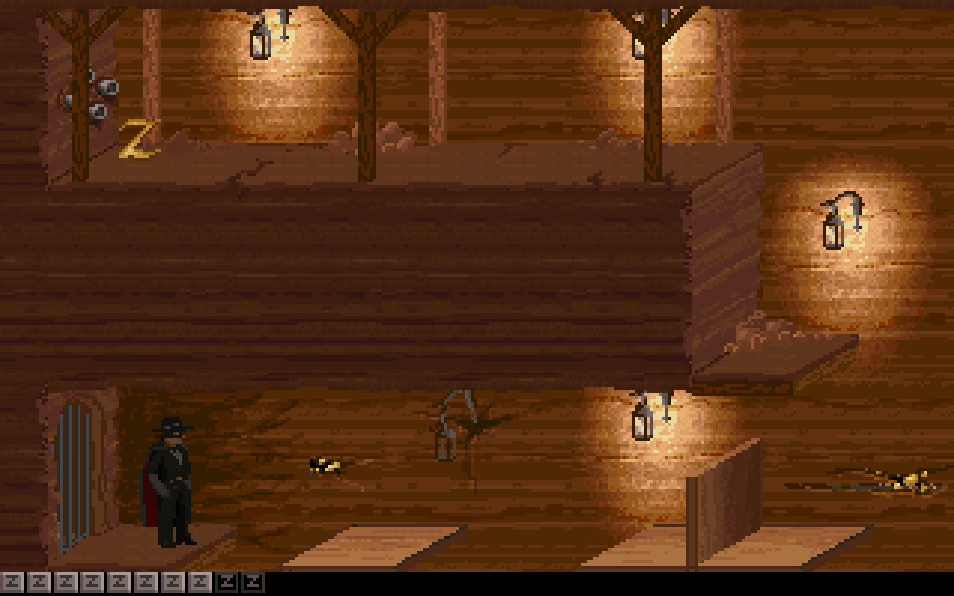
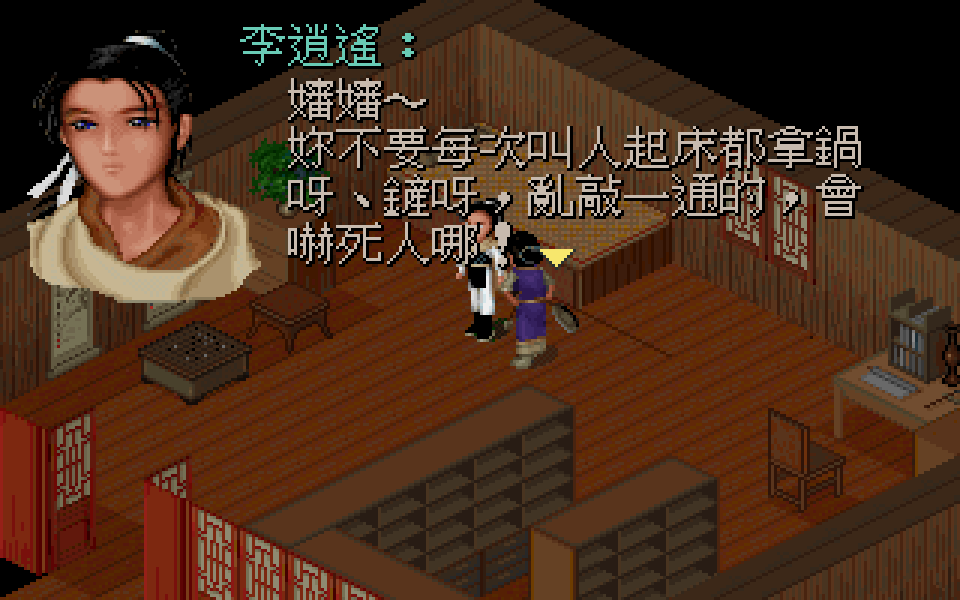
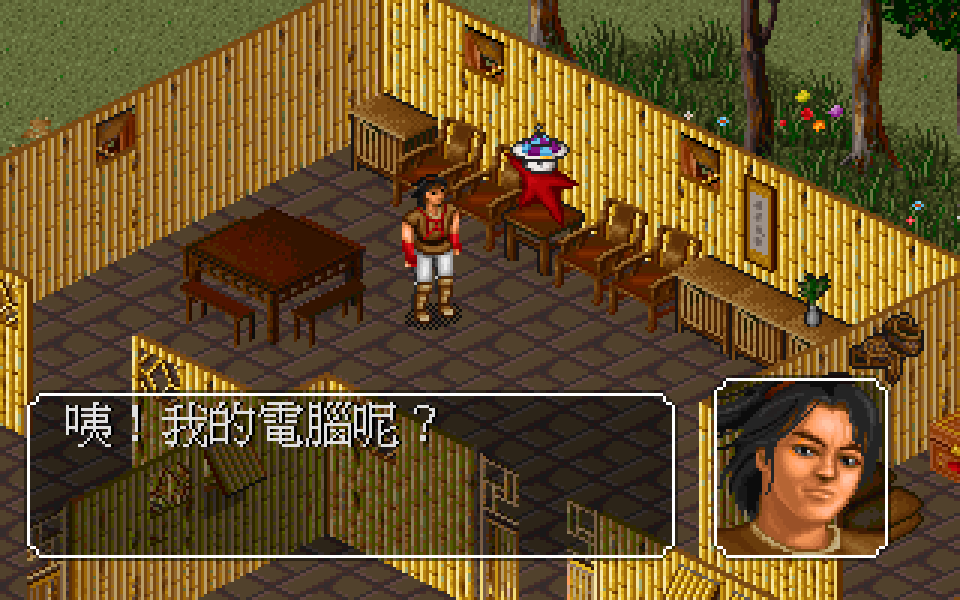
Ys uses a real-time top-down perspective with exploration, town interaction, and dungeon crawling. Rather than a conventional attack button, combat relies on the bump system: the player damages enemies by colliding with them from the front or side while avoiding direct hits. Progress is driven by talking to townspeople, gathering clues, finding key items, and clearing dungeons with bosses. Character growth comes through experience, level ups, better equipment, and improved survivability rather than complex skill trees.
Ys
DOSControls
These are the emulator defaults. You can remap them from the emulator menu.
PC Keyboard
Game Button
↑
Move up
↓
Move down
←
Move left
→
Move right
Space
Primary action
Enter
Confirm / start
Esc
Back / menu
Game-specific controls
No verified game-specific inputs or combos are available for this version yet.
Gameplay
Characters
Adol Christin
The red-haired wandering adventurer and the player character, known for his curiosity and relentless drive to explore.
Lilia
A kind and important young woman tied to the central mystery and the story’s emotional core.
Feena
A key figure connected to the ancient legend of Ys and the fate of the floating land.
Reah
One of the six priests of Ys, deeply involved in the ancient history and revelations behind the lost continent.
Strategy
Keep moving during combat and use the bump system carefully, striking enemies from advantageous angles rather than charging head-on. Leveling up early helps more than grinding for long stretches later, so revisit areas if enemies become too dangerous. Buy the best available weapon and armor as soon as shops offer them, and talk to every townsfolk after major story events to ensure you do not miss the next destination or dungeon clue.
Cheats
No cheats or unlockables available
Tips
Tips and tricks
- Circle enemies so you can hit them before they make contact.
- Save after major progress points and before boss fights.
- Explore every town change in dialogue after each new story milestone.
Comments
Loading...
How do you play Ys online?
Start Ys directly on this page with ClassicEmu. The emulator runs in your browser, so you can play online without installing a desktop emulator first.