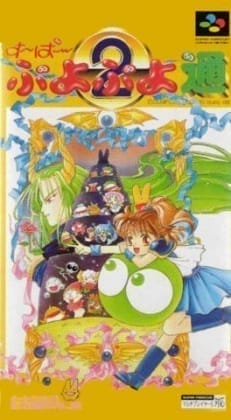
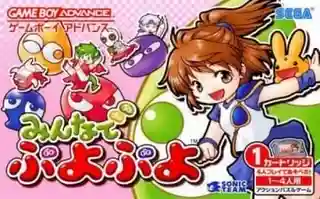
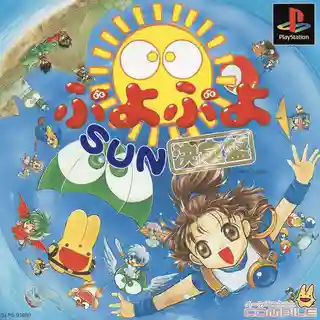
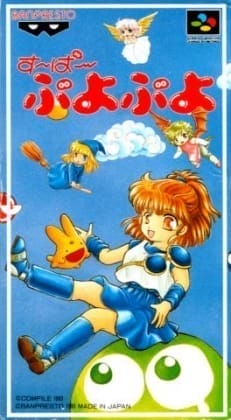
Players control pairs of falling puyos in a vertical well, placing them to connect four or more same-colored pieces for clears. The real depth comes from building multi-step chains that send garbage to opponents, while matching clears can offset incoming attacks. The game uses a fixed overhead view and simple inputs for movement, rotation, and fast drop. Beyond standard versus play, it typically includes practice, single-player challenges, and additional rulesets, with progression tracked through wins, scores, or mode completion.
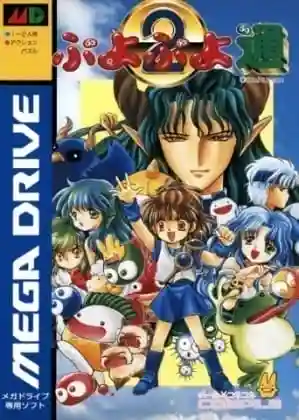
Puyo Puyo Tsuu: Definitive Edition
PlayStation
Login to use cloud saves
Login
Controls
These are the emulator defaults. You can remap them from the emulator menu.
PC Keyboard
Game Button
↑
UP
↓
DOWN
←
LEFT
→
RIGHT
Z
A
X
B
A
Y
S
X
Q
L
W
R
Enter
START
Shift
SELECT
Game-specific controls
No verified game-specific inputs or combos are available for this version yet.
Gameplay
Characters
Arle Nadja
The series’ main heroine and a young magic student who battles with puyos.
Schezo Wegey
A recurring rival known for his intense personality and popular eccentric dialogue.
Rulue
A powerful recurring opponent with a direct fighting style and strong presence in versus modes.
Strategy
Build low, stable chain structures first and leave a safe trigger point for later. Practice consistent 2-chain and 3-chain routes before trying longer setups. When under pressure, avoid random clears; use counter-clears and small chains to reduce damage. If the field rises too high, prioritize survival and recovery over forcing a big combo.
Cheats
No cheats or unlockables available
Tips
Tips and tricks
- Learn each character’s opening pace to better predict early aggression.
- Keep critical colors grouped on one side so your trigger piece is easier to place later.
- Maintain one reliable escape clear to improve your margin for error in versus play.
Comments
Loading...
How do you play Puyo Puyo Tsuu: Definitive Edition online?
Start Puyo Puyo Tsuu: Definitive Edition directly on this page with ClassicEmu. The emulator runs in your browser, so you can play online without installing a desktop emulator first.
Related Games
More games from nearby platforms and categories.