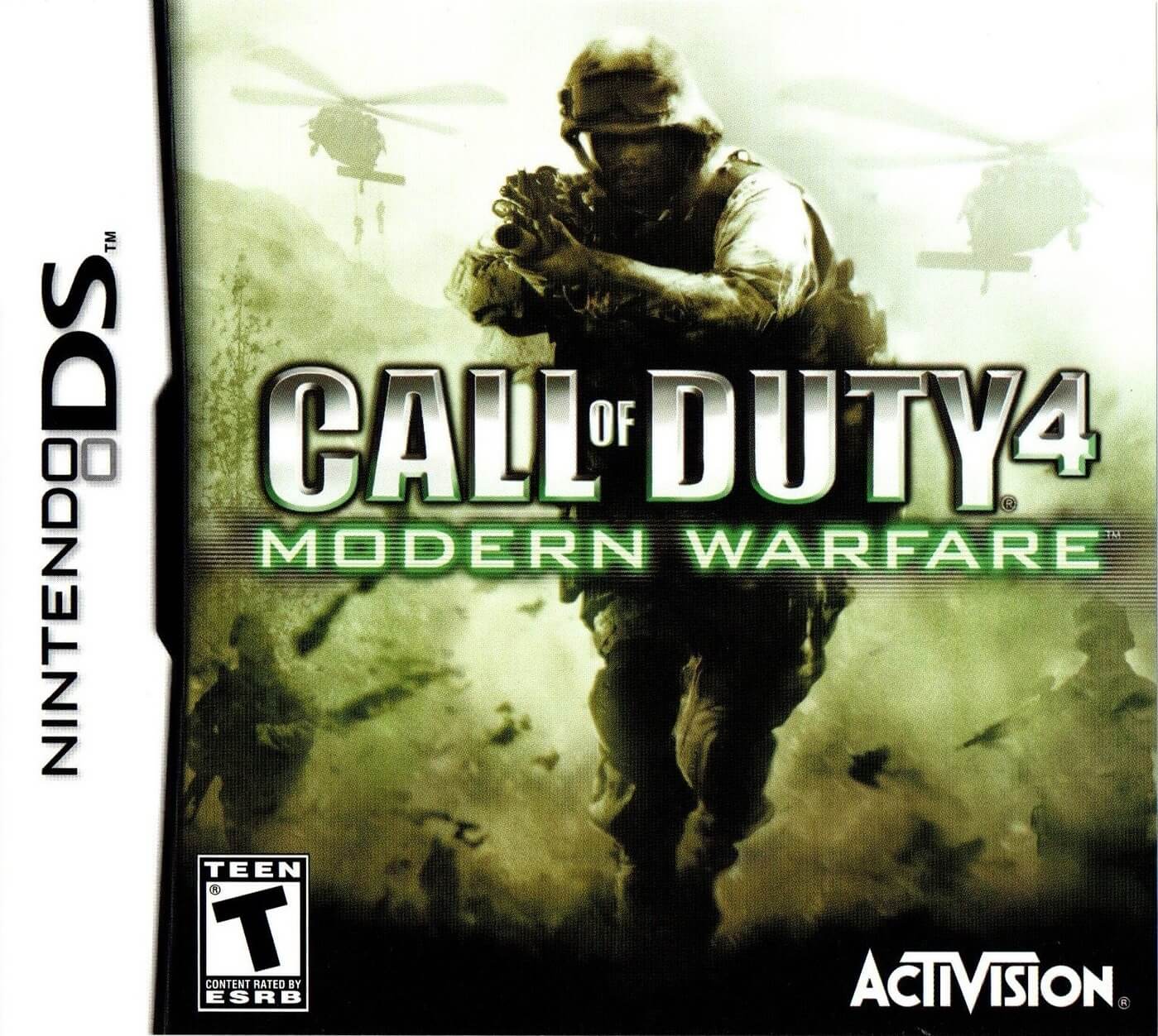
The game is played from a first-person perspective, with linear campaign missions built around combat objectives such as infiltration, firefights, escorts, and defense sequences. Movement is handled with the directional controls, while shooting, aiming, reloading, and grenades are mapped to the system buttons, with some touch-screen support depending on the action. Progress is mission-based, and the game also includes multiplayer modes designed for repeat play. Between missions, players unlock the next stage of the campaign and continue through the story.
Call of Duty: Black Ops
Nintendo DS
Login to use cloud saves
Login
Controls
These are the emulator defaults. You can remap them from the emulator menu.
PC Keyboard
Game Button
↑
UP
↓
DOWN
←
LEFT
→
RIGHT
Z
A
X
B
A
Y
S
X
Q
L
W
R
Enter
START
Shift
SELECT
Game-specific controls
No verified game-specific inputs or combos are available for this version yet.
Gameplay
Characters
Alex Mason
One of the central figures of the story, involved in key covert operations and major narrative beats.
Frank Woods
A hardened operative who provides fire support and drives several important scenes.
Viktor Reznov
A significant Cold War-era character tied closely to the game’s memory-driven narrative.
Strategy
Use cover constantly and advance in short bursts rather than rushing into open areas. On the DS, enemy sightlines can be hard to read, so clear distant threats first before moving forward. Save grenades for clustered enemies or defensive objectives, and try to reload only when a safe opening appears. In escort or holdout missions, learn spawn directions and position yourself to intercept enemies early.
Cheats
No cheats or unlockables available
Tips
Tips and tricks
- Move from cover to cover instead of standing in the open.
- Prioritize enemies with automatic weapons in tight spaces.
- Refill ammo and recover before entering the next combat zone.
Comments
Loading...
How do you play Call of Duty: Black Ops online?
Start Call of Duty: Black Ops directly on this page with ClassicEmu. The emulator runs in your browser, so you can play online without installing a desktop emulator first.
Related Games
More games from nearby platforms and categories.