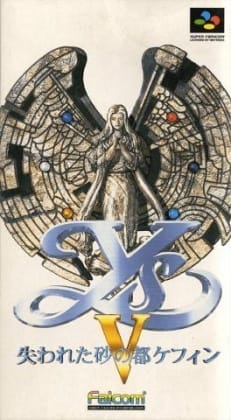
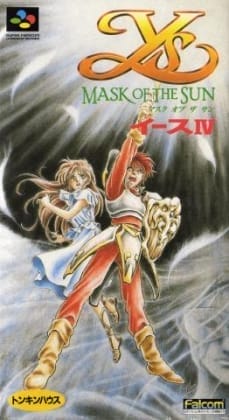
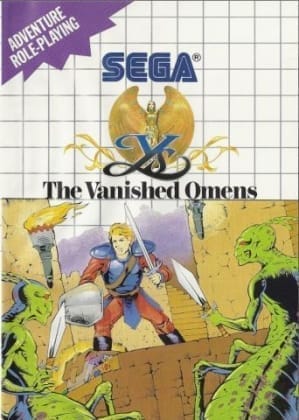
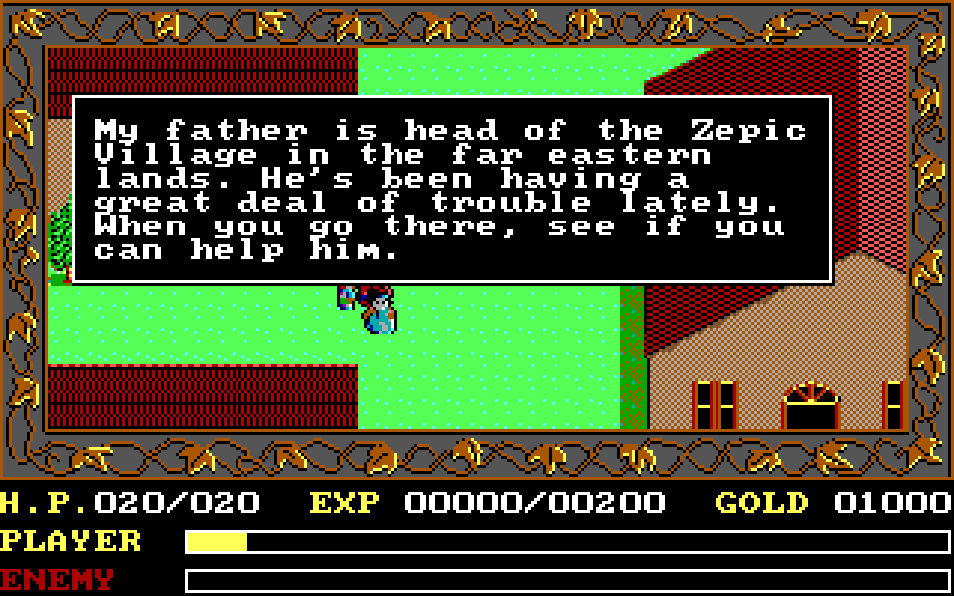
The game uses a top-down perspective with real-time exploration across towns, fields, and dungeons. Combat is built around the famous bump system, where Adol damages enemies by colliding with them off-center or from the side, while direct frontal contact is more dangerous. Progression comes from talking to townspeople, gathering key items, upgrading equipment, and opening new areas. In the second half, Ys II adds magic abilities for combat, puzzle solving, illumination, and special interactions.
Ys Book I & II: Ancient Ys Vanished
PC Engine
Login to use cloud saves
Login
Controls
These are the emulator defaults. You can remap them from the emulator menu.
PC Keyboard
Game Button
↑
UP
↓
DOWN
←
LEFT
→
RIGHT
Z
A
X
B
A
Y
S
X
Q
L
W
R
Enter
START
Shift
SELECT
Game-specific controls
No verified game-specific inputs or combos are available for this version yet.
Gameplay
Characters
Adol Christin
The red-haired young adventurer and main protagonist who seeks the truth behind the lost land of Ys.
Feena
A mysterious girl closely tied to the legend of ancient Ys and central to the story's revelations.
Lilia
A young woman from the mining town who becomes important during the events of Ys II.
Darm
A major antagonist whose power is deeply connected to the conflict surrounding Ys.
Strategy
Spend some time leveling near early towns and keep equipment updated before pushing deep into dungeons. In combat, aim for diagonal or side collisions rather than head-on contact to reduce damage and defeat enemies efficiently. Revisit NPCs after major story events, since many hints are delivered through updated dialogue. In Ys II, use magic carefully: utility spells such as light and transformation are often just as important as offensive ones for clearing new areas.
Cheats
No cheats or unlockables available
Tips
Tips and tricks
- Approach enemies from the side or at an offset angle to make bump combat safer and faster.
- Talk to townspeople again after each major event, since the next objective is often hinted through new dialogue.
- If progress stalls, check for missed gear upgrades or key items before grinding too far.
Comments
Loading...
How do you play Ys Book I & II: Ancient Ys Vanished online?
Start Ys Book I & II: Ancient Ys Vanished directly on this page with ClassicEmu. The emulator runs in your browser, so you can play online without installing a desktop emulator first.