Players explore towns, routes, caves, and facilities from an overhead view, catching wild Pokémon and building a team of up to six. Battles are turn-based, with command selection, type matchups, move synergy, and status effects driving strategy. Progression follows the traditional gym badge route, then opens postgame content on the Sevii Islands for additional battles, quests, and collection opportunities.
Pokémon FireRed
Game Boy Advance
Login to use cloud saves
Login
Controls
These are the emulator defaults. You can remap them from the emulator menu.
PC Keyboard
Game Button
↑
UP
↓
DOWN
←
LEFT
→
RIGHT
Z
A
X
B
A
Y
S
X
Q
L
W
R
Enter
START
Shift
SELECT
Game-specific controls
No verified game-specific inputs or combos are available for this version yet.
Gameplay
Characters
Player Character
The trainer controlled by the player, aiming to complete the Pokédex and become Champion.
Blue
The rival who constantly challenges the player with strong and evolving teams.
Professor Oak
The Pokémon researcher who provides the starter Pokémon and Pokédex.
Giovanni
Leader of Team Rocket and one of the game's main antagonists.
Strategy
Build around one or two reliable core Pokémon early and keep type coverage in mind. Save often before major battles so you can recover from mistakes or unfavorable matchups. Teach useful HMs and TMs carefully, since move slots are limited. After the main story, use the Sevii Islands to train, explore, and fill out your roster before taking on tougher battles.
Cheats
No cheats or unlockables available
Tips
Tips and tricks
- Keep a varied team to avoid losing to a single type weakness.
- Stock healing items before gym battles and the Elite Four.
- Use status moves and stat buffs to make difficult fights safer.
Comments
Loading...
Before you play Pokémon FireRed online
Choose the GBA adventure in Kanto
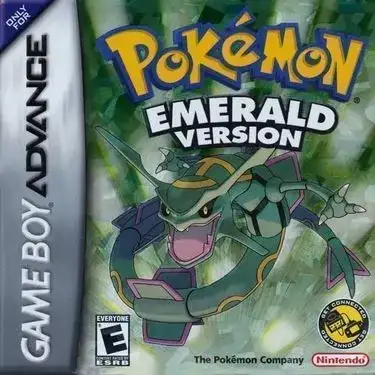
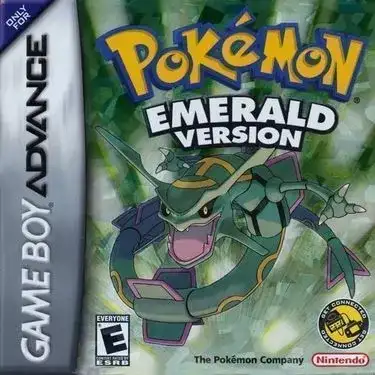
FireRed revisits the Kanto adventure on Game Boy Advance. It is a different game from Emerald and from fan-modified FireRed editions. Keep this entry bookmarked if you want to return to the same version and save.
Check menus and saves before a long session
Find A, B, Start and the directional controls in the player mapping. Try opening and closing the game menu before setting out. Use the save panel before leaving; device saves belong to this browser, while cloud sync requires an eligible signed-in account and a supported game.
Related Games
More games from nearby platforms and categories.