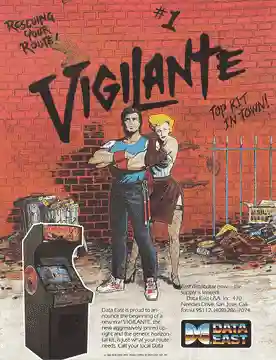
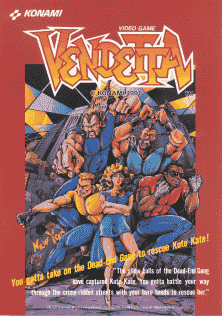
Choose Paul or Bobby, move through side-scrolling streets and interiors, attack gang members from either side, and defeat the stronger boss at the end of each section. The two-player arcade game combines punches, kicks, grabs, jumps, and available weapons or items; the screen advances only after the current enemy group is cleared.
Riot City
Arcade Systems
Login to use cloud saves
Login
Controls
These are the emulator defaults. You can remap them from the emulator menu.
PC Keyboard
Game Button
↑
UP
↓
DOWN
←
LEFT
→
RIGHT
Z
A
X
B
A
Y
S
X
Q
L
W
R
Enter
START
Shift
SELECT
Game-specific controls
Game-specific controls
In-game action
Keyboard
Use the arcade directional control with the mapped attack and jump buttons, plus coin and start inputs. Verify the exact Riot City revision mapping in the emulator.
Verify the loaded Arcade Systems build instructions when the public sources do not provide a complete control table.
Notes
- The loaded Arcade Systems mapping takes priority over generic labels.
Gameplay
Characters
Main player character
Opposing characters
Stage or scenario characters
Strategy
Keep enemies in front, turn toward a flanking attacker before starting a combo, and create space with a grab or jump attack. Learn the enemy entrances and boss timing of the unnumbered World parent program with the exact ROM loaded rather than assuming every regional revision behaves identically.
Cheats
No cheats or unlockables available
Tips
No tips available
Comments
Loading...
How do you play Riot City online?
Start Riot City directly on this page with ClassicEmu. The emulator runs in your browser, so you can play online without installing a desktop emulator first.
Related Games
More games from nearby platforms and categories.