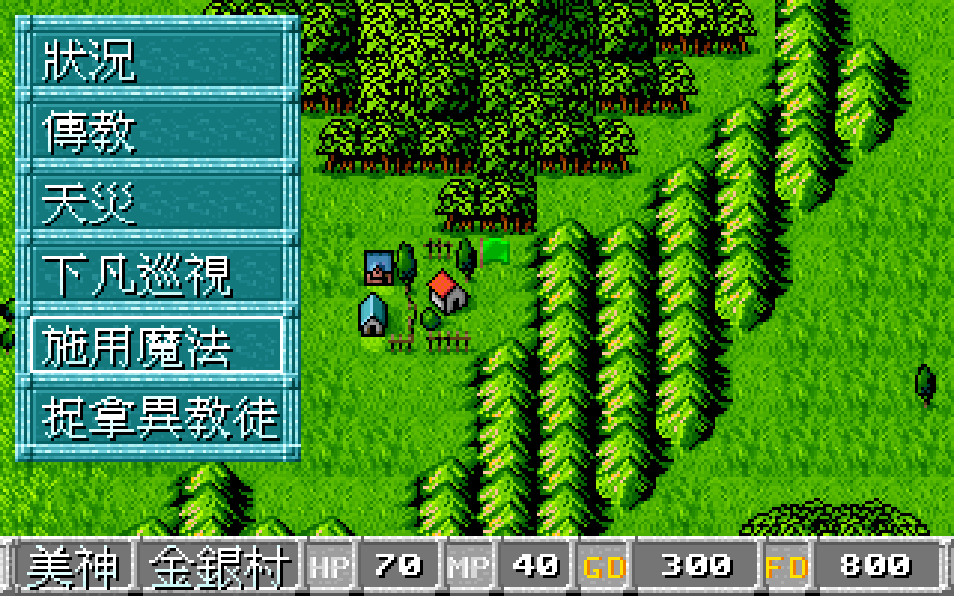
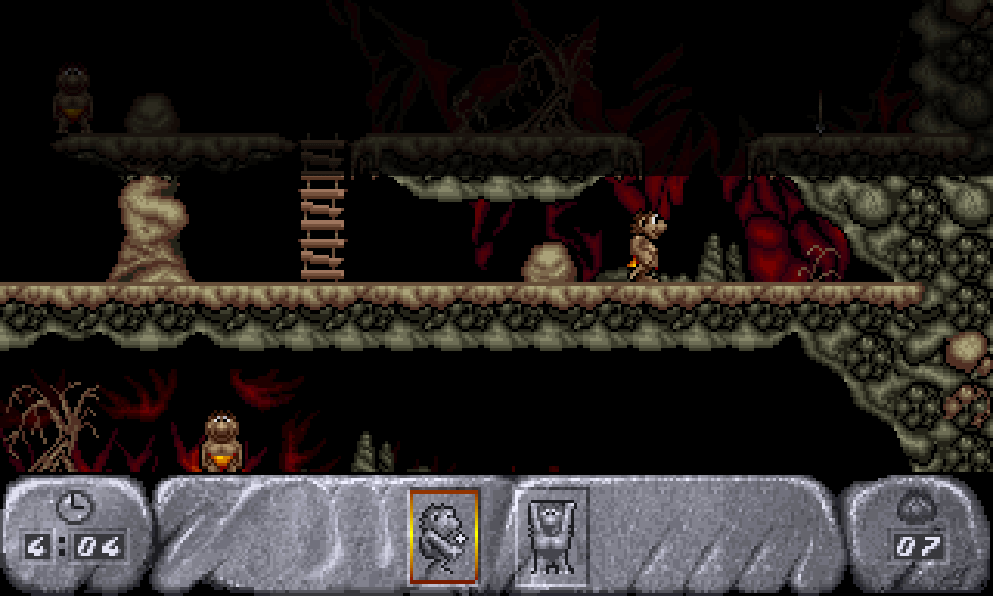
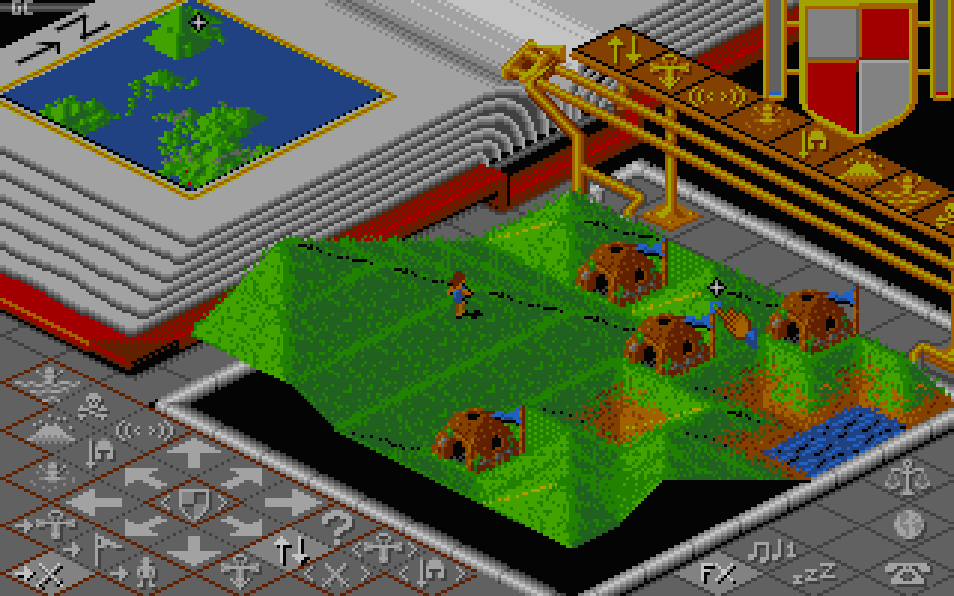
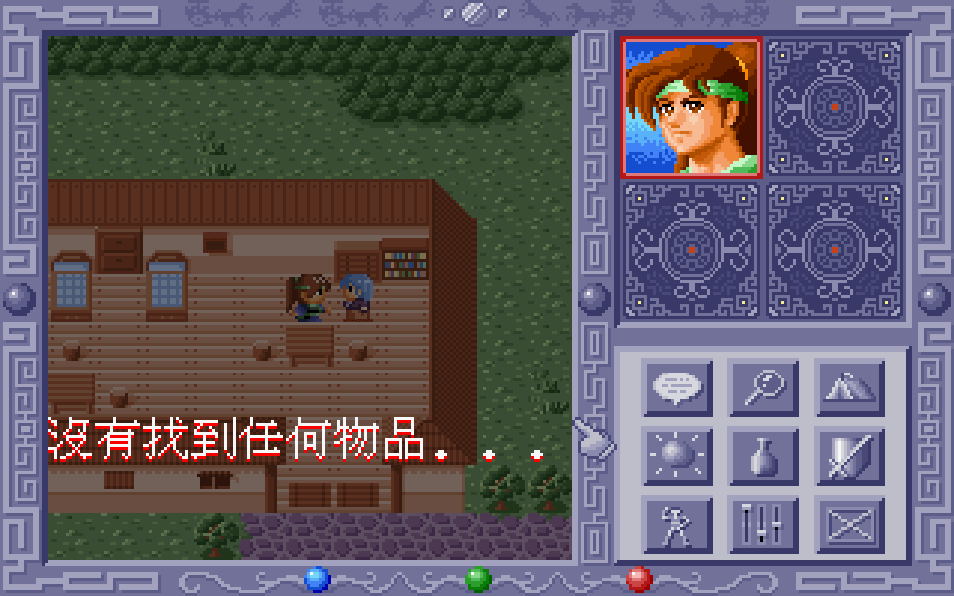
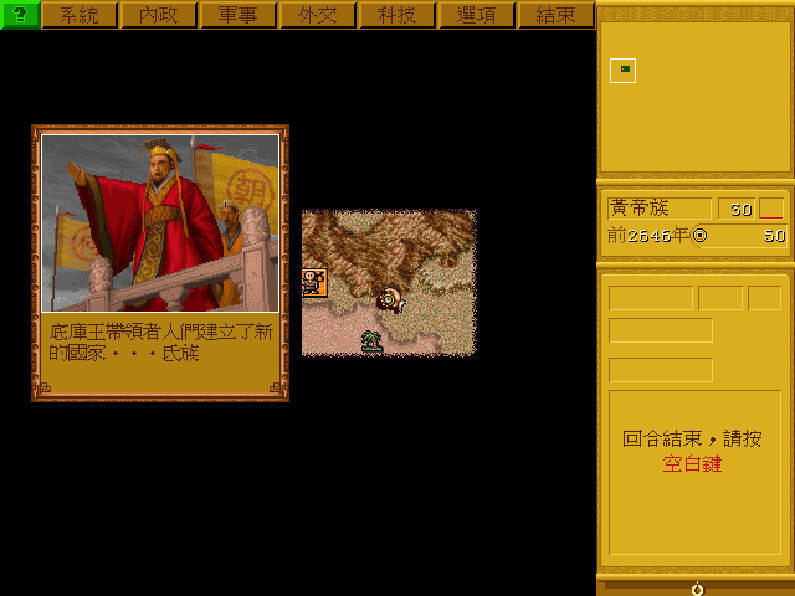
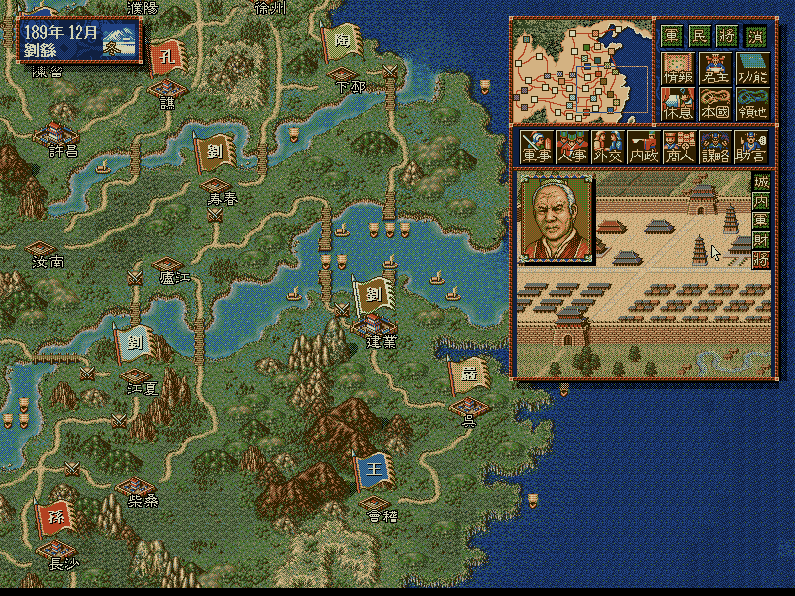
The game uses a top-down RTS perspective with mouse-driven unit selection, movement, and combat commands. Instead of standard mining or lumber collection, food is the main resource: warriors hunt wild animals and return meat to granaries. Tribespeople can advance into specialized combat and magic classes, while units gain experience, level up, and equip weapons or items. Different tribes emphasize different combinations of spellcasting, technology, and dinosaur cavalry, so expansion, army composition, and map control are central to progression.
Jurassic War
DOSControls
These are the emulator defaults. You can remap them from the emulator menu.
PC Keyboard
Game Button
↑
Move up
↓
Move down
←
Move left
→
Move right
Space
Primary action
Enter
Confirm / start
Esc
Back / menu
Game-specific controls
No verified game-specific inputs or combos are available for this version yet.
Gameplay
Characters
No character information available
Strategy
Early food income is crucial, so secure nearby hunting grounds before expanding aggressively. Keep workers and combat units close to granaries to reduce downtime, and protect supply routes from enemy raids. Because units can level up and equip items, preserving experienced troops is often more valuable than replacing them. Choose tribe-specific strengths carefully: use ranged units and magic for pressure, and leverage dinosaur riders or tougher frontline troops when pushing into enemy territory.
Cheats
No cheats or unlockables available
Tips
Tips and tricks
- Exploit nearby wildlife early to stabilize food production.
- Do not overextend before your first veteran units are established.
- Mix melee, ranged, and magic units to cover different enemy compositions.
Comments
Loading...
How do you play Jurassic War online?
Start Jurassic War directly on this page with ClassicEmu. The emulator runs in your browser, so you can play online without installing a desktop emulator first.