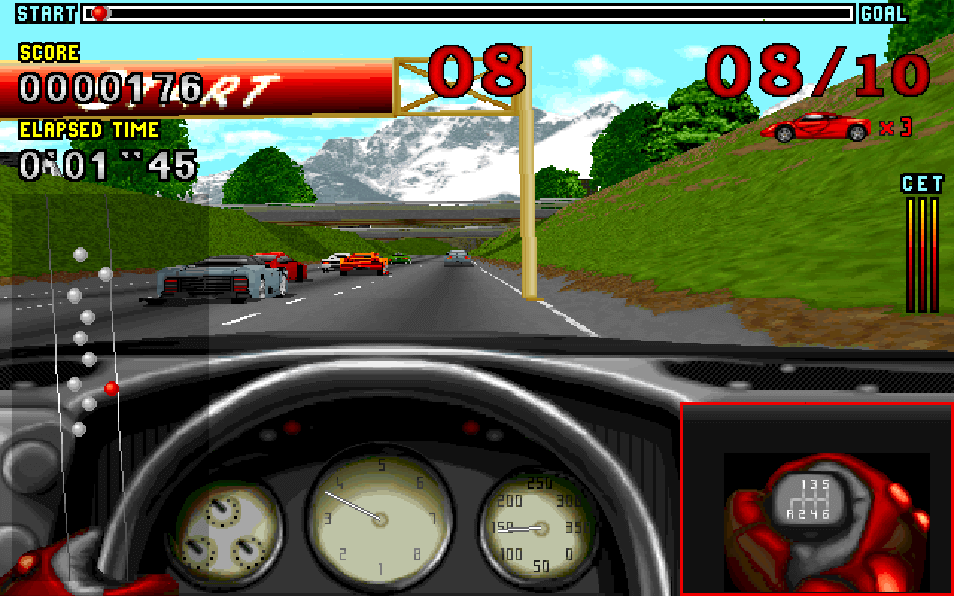
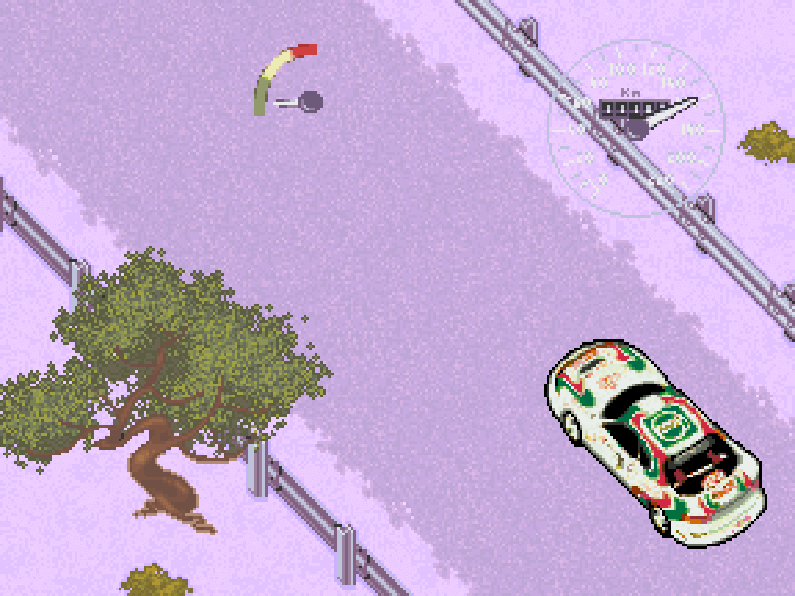
The game uses a third-person chase view and puts players in F1-style circuit races with manual control over acceleration, braking, steering, and pit-related setup choices. Modes include practice, individual races, and a world championship campaign. Between events, players can adjust engine, suspension, and tire settings, then select from multiple tracks and weather conditions. A built-in track editor also allows custom course creation, adding replay value and experimentation beyond the standard championship flow.
Grand Prix Unlimited
DOSControls
These are the emulator defaults. You can remap them from the emulator menu.
PC Keyboard
Game Button
↑
Move up
↓
Move down
←
Move left
→
Move right
Space
Primary action
Enter
Confirm / start
Esc
Back / menu
Game-specific controls
No verified game-specific inputs or combos are available for this version yet.
Gameplay
Characters
No character information available
Strategy
Use practice sessions to learn braking points and corner entry speeds before attempting long championship runs. Favor stable car setups over aggressive tuning, especially on unfamiliar circuits. In wet weather, reduce speed earlier and avoid sharp steering inputs to prevent sliding. The track editor is useful for memorizing ideal racing lines and testing how setup changes affect handling.
Cheats
No cheats or unlockables available
Tips
Tips and tricks
- Start with practice laps to learn each circuit before switching to championship mode.
- Keep setup changes small so you can identify which adjustment improves handling.
- Be conservative in wet conditions and prioritize finishing over outright pace.
Comments
Loading...
How do you play Grand Prix Unlimited online?
Start Grand Prix Unlimited directly on this page with ClassicEmu. The emulator runs in your browser, so you can play online without installing a desktop emulator first.