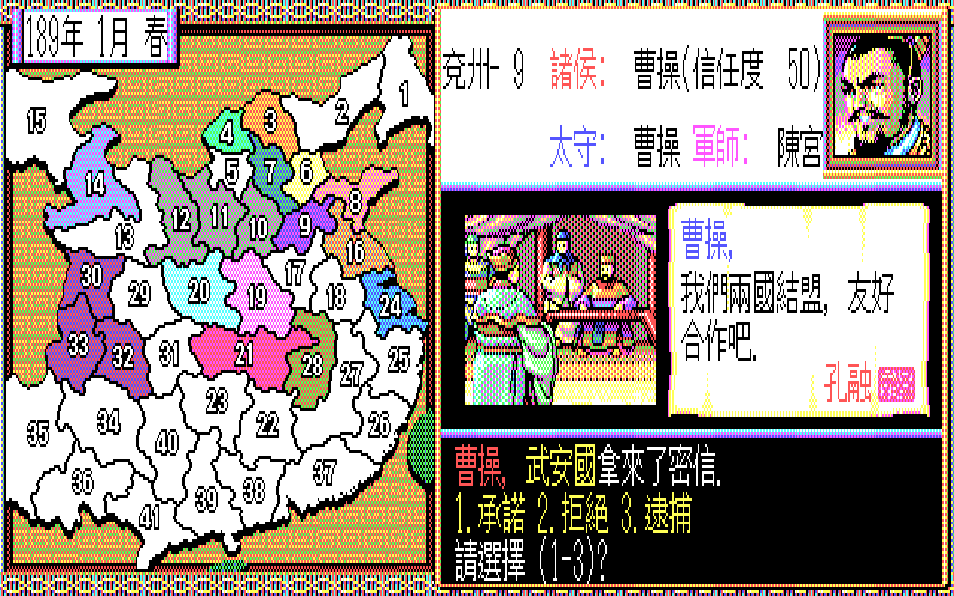
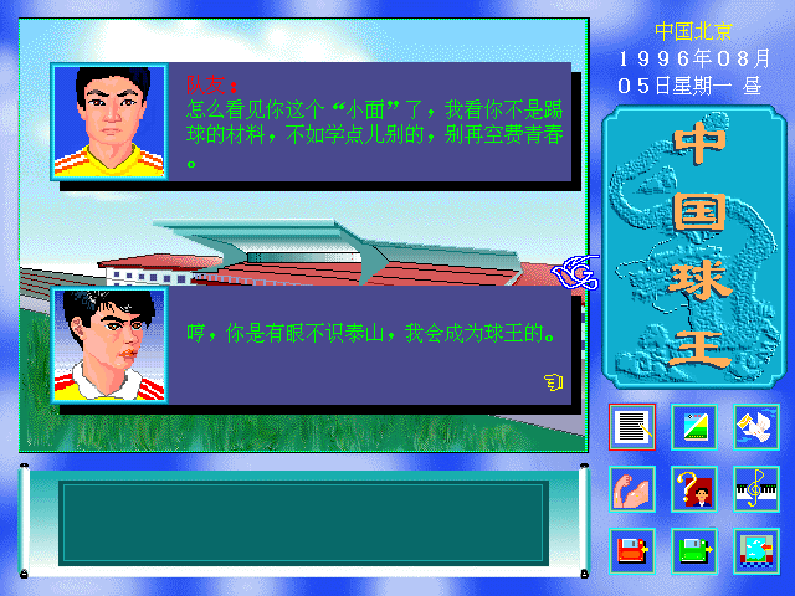
The game uses a menu-driven, turn-based structure. Players issue orders for internal affairs, troop deployment, diplomacy, and research, then advance time to see the results. The map represents early Chinese geography, with regions and rival tribes changing control over time. Progress depends on balancing population growth, resources, military strength, and technological advancement while responding to rival factions and long-term expansion goals.
China
DOSControls
These are the emulator defaults. You can remap them from the emulator menu.
PC Keyboard
Game Button
↑
Move up
↓
Move down
←
Move left
→
Move right
Space
Primary action
Enter
Confirm / start
Esc
Back / menu
Game-specific controls
No verified game-specific inputs or combos are available for this version yet.
Gameplay
Characters
No character information available
Strategy
Prioritize stable internal development before overextending militarily. Keep an eye on resource balance so expansion does not stall your economy. Use diplomacy to avoid fighting on multiple fronts, and invest in technology early if available, since stronger administration and military systems usually provide the best long-term payoff. Expand into strategically valuable territory rather than spreading too thin.
Cheats
No cheats or unlockables available
Tips
Tips and tricks
- Build a solid economic base before launching large campaigns.
- Use diplomacy to buy time when stronger rivals appear.
- Concentrate forces on one target instead of fighting everywhere at once.
Comments
Loading...
How do you play China online?
Start China directly on this page with ClassicEmu. The emulator runs in your browser, so you can play online without installing a desktop emulator first.
Related Games
More games from nearby platforms and categories.