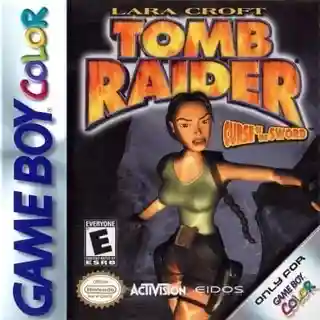
The game uses a third-person 3D perspective with exploration-focused stages built around climbing, jumping, swimming, pushing blocks, and activating switches. Combat is straightforward, with Lara auto-aiming at enemies while the player positions carefully around traps and ledges. Progression is largely linear, but many areas contain secrets and alternate routes. Save points are limited, so memorizing layouts and learning safe movement is important.
Tomb Raider
PlayStation
Login to use cloud saves
Login
Controls
These are the emulator defaults. You can remap them from the emulator menu.
PC Keyboard
Game Button
↑
UP
↓
DOWN
←
LEFT
→
RIGHT
Z
A
X
B
A
Y
S
X
Q
L
W
R
Enter
START
Shift
SELECT
Game-specific controls
No verified game-specific inputs or combos are available for this version yet.
Gameplay
Characters
Lara Croft
The main protagonist, a British archaeologist and adventurer skilled in acrobatics, shooting, and puzzle solving.
Strategy
Study each room before moving; hidden switches, breakable routes, and trap triggers are often easy to miss. Use height and distance to your advantage in combat, especially against wolves and bears. Conserve stronger weapons and healing items for later sections. For difficult jumps, line up carefully with the edge and use a running start when needed.
Cheats
No cheats or unlockables available
Tips
Tips and tricks
- Circle a new area first to spot traps, climbable surfaces, and secret paths.
- Backpedaling while shooting is often safer against melee creatures.
- If a jump feels impossible, check your alignment before committing.
Comments
Loading...
How do you play Tomb Raider online?
Start Tomb Raider directly on this page with ClassicEmu. The emulator runs in your browser, so you can play online without installing a desktop emulator first.
Related Games
More games from nearby platforms and categories.