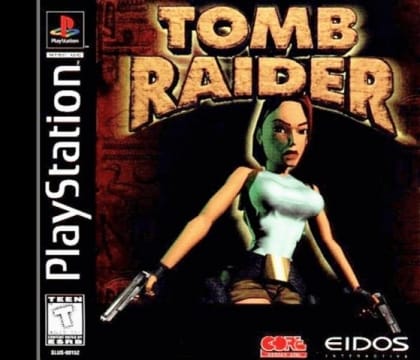
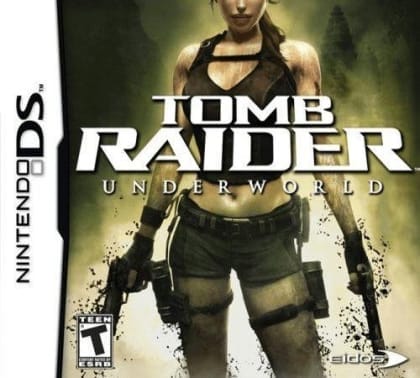
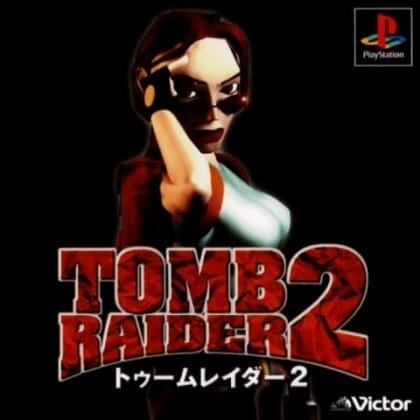
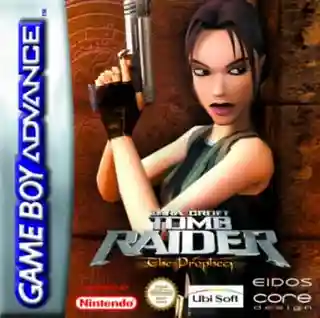
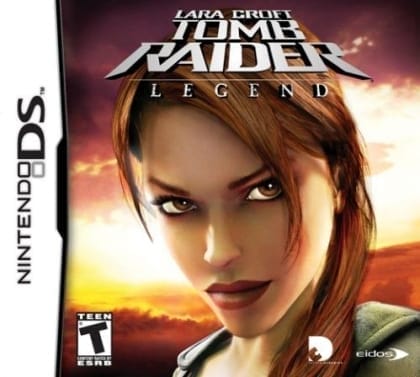
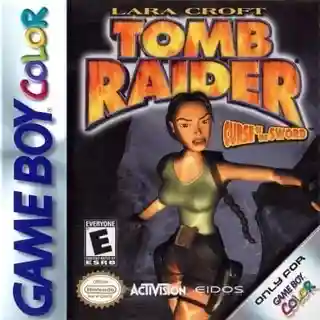
The game moves through linear stages with a mix of side-view jumping and angled exploration. Players guide Lara through ruins, caves, and trap-filled areas, using jumps, climbing, swimming, and attacks to advance. Progress often depends on finding switches, keys, or hidden paths, with environmental puzzles blocking the route forward. Careful positioning and timing are important, especially on narrow platforms and around hazards.
Tomb Raider
Game Boy
Login to use cloud saves
Login
Controls
These are the emulator defaults. You can remap them from the emulator menu.
PC Keyboard
Game Button
↑
UP
↓
DOWN
←
LEFT
→
RIGHT
Z
A
X
B
A
Y
S
X
Q
L
W
R
Enter
START
Shift
SELECT
Game-specific controls
No verified game-specific inputs or combos are available for this version yet.
Gameplay
Characters
Lara Croft
The series protagonist, an archaeologist-adventurer who delves into ancient ruins in search of artifacts and secrets.
Strategy
Take time to study each room before jumping; many mistakes come from misjudging ledges or trap spacing. Save health whenever possible and avoid unnecessary fights in tight spaces. Check walls, floors, and corners carefully, since important switches or passages can be easy to miss. If progress stops, backtrack and re-examine the area for an overlooked interactive object.
Cheats
No cheats or unlockables available
Tips
Tips and tricks
- Line up jumps carefully before committing, especially near edges.
- Look for unusual wall textures or floor patterns; they often hint at interaction points.
- In narrow areas, prioritize survival over fighting to keep the run stable.
Comments
Loading...
How do you play Tomb Raider online?
Start Tomb Raider directly on this page with ClassicEmu. The emulator runs in your browser, so you can play online without installing a desktop emulator first.
Related Games
More games from nearby platforms and categories.