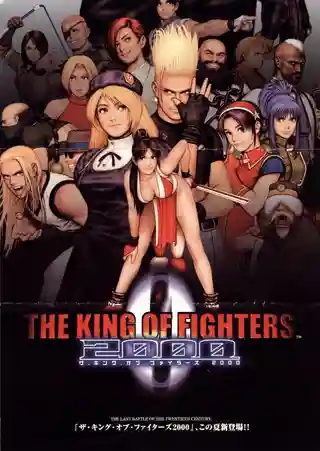
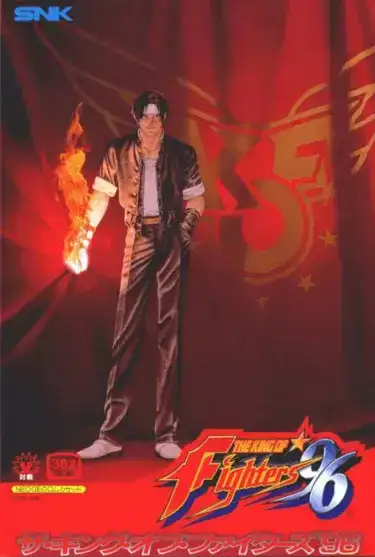
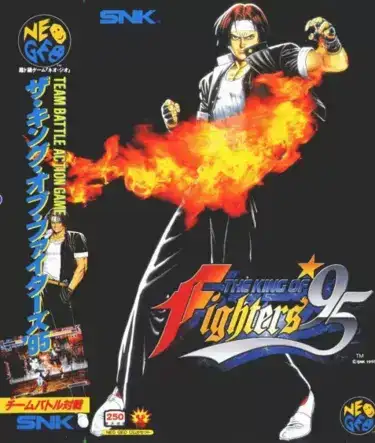
The game uses side-view 2D one-on-one matches within a team framework. Before battle, players assign four slots between active fighters and Strikers, allowing ratios from 4 fighters and no Striker to 1 fighter with 3 Strikers. Active characters handle movement, attacks, jumps, guards, and special moves, while Strikers are called in briefly to extend combos, apply pressure, or create openings. Arcade mode progresses through team battles toward NESTS-related bosses. Meter management is important for supers, counters, and momentum swings.
The King of Fighters 2001
Arcade Systems
Login to use cloud saves
Login
Controls
These are the emulator defaults. You can remap them from the emulator menu.
PC Keyboard
Game Button
↑
UP
↓
DOWN
←
LEFT
→
RIGHT
Z
A
X
B
A
Y
S
X
Q
L
W
R
Enter
START
Shift
SELECT
Game-specific controls
No verified game-specific inputs or combos are available for this version yet.
Gameplay
Characters
K'
The central hero of the NESTS saga, specializing in aggressive flame-based attacks and mobility.
Kula Diamond
A young fighter with ice powers closely tied to K' and the NESTS conflict.
K9999
A major newcomer with highly unusual attacks and long-reaching offensive options.
Angel
A technical character built around a distinctive chaining system and tricky offense.
Igniz
The final boss and a major leader within the NESTS organization.
Strategy
Beginners should start with a balanced setup such as 2 active fighters and 2 Strikers or 3 active fighters and 1 Striker to learn pacing. Do not call Strikers randomly; use them after a confirmed hit, during wake-up pressure, or to stabilize combos. Against bosses, avoid reckless jumping and rely more on grounded pokes, safe specials, and patient defense. If using advanced characters like Angel or K9999, practice their core combo routes first before serious matches.
Cheats
No cheats or unlockables available
Tips
Tips and tricks
- Team ratio changes your entire game plan, so learn a balanced setup before experimenting.
- Strikers are strongest for combo extension and wake-up pressure rather than blind use.
- Against oppressive opponents, rely on guard, movement, and short-hop pokes to regain control.
Comments
Loading...
How do you play The King of Fighters 2001 online?
Start The King of Fighters 2001 directly on this page with ClassicEmu. The emulator runs in your browser, so you can play online without installing a desktop emulator first.
Related Games
More games from nearby platforms and categories.