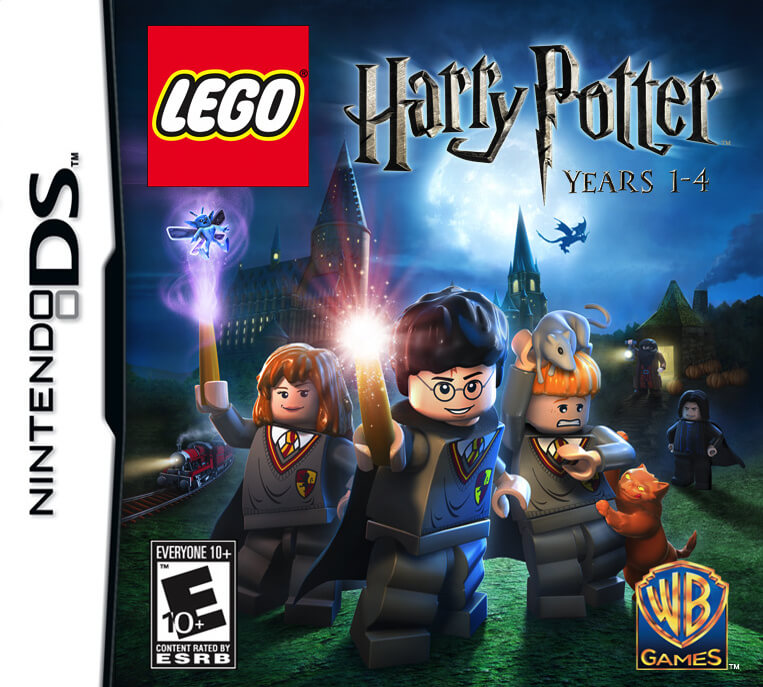
The game uses a stage-based progression structure with a top-down and angled perspective. Players move through chapters, switching between characters to use magic, strength, or pet abilities to solve environmental puzzles and defeat enemies. Story Mode focuses on following the plot and clearing each chapter, while Free Play becomes available afterward to revisit stages with unlocked characters and collect missed secrets. Core controls revolve around movement, attacks, spellcasting, and context-sensitive interactions.
LEGO Harry Potter: Years 5-7
Nintendo DS
Login to use cloud saves
Login
Controls
These are the emulator defaults. You can remap them from the emulator menu.
PC Keyboard
Game Button
↑
UP
↓
DOWN
←
LEFT
→
RIGHT
Z
A
X
B
A
Y
S
X
Q
L
W
R
Enter
START
Shift
SELECT
Game-specific controls
No verified game-specific inputs or combos are available for this version yet.
Gameplay
Characters
Harry Potter
Main protagonist who uses magic to interact with objects and fight enemies.
Hermione Granger
A versatile spellcaster often required for specific puzzle solutions.
Ron Weasley
Supports puzzle solving and interacts with pet-related or special mechanisms.
Albus Dumbledore
A powerful wizard with access to advanced magical abilities in key scenes.
Lord Voldemort
The central antagonist who appears in major story moments.
Strategy
Play through Story Mode first to learn which abilities are needed in each chapter, then return in Free Play to collect everything with the right characters. If you get stuck, check whether the puzzle requires a spellcaster, a strong character, or a pet-based ability. In combat, keep moving and use ranged magic when possible; in exploration, re-check suspicious walls, floors, and breakable LEGO objects for hidden rewards.
Cheats
No cheats or unlockables available
Tips
Tips and tricks
- Look for glowing objects and interactive LEGO pieces, as many secrets are hidden behind ordinary scenery.
- Use Free Play with a varied character set to clean up collectibles you could not access the first time.
- Break and rebuild LEGO objects when puzzles seem stalled, since many solutions begin with deconstructing the environment.
Comments
Loading...
How do you play LEGO Harry Potter: Years 5-7 online?
Start LEGO Harry Potter: Years 5-7 directly on this page with ClassicEmu. The emulator runs in your browser, so you can play online without installing a desktop emulator first.
Related Games
More games from nearby platforms and categories.