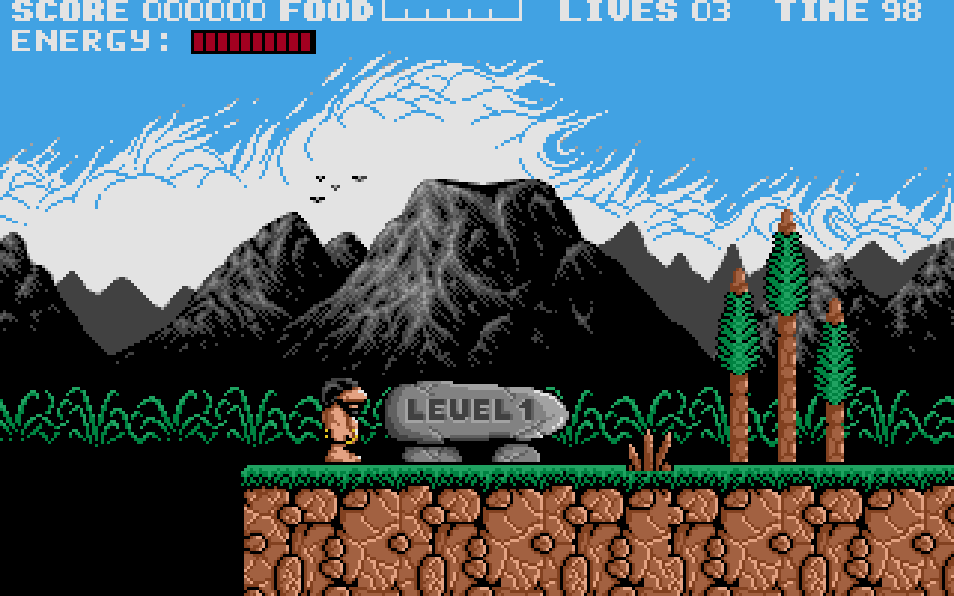
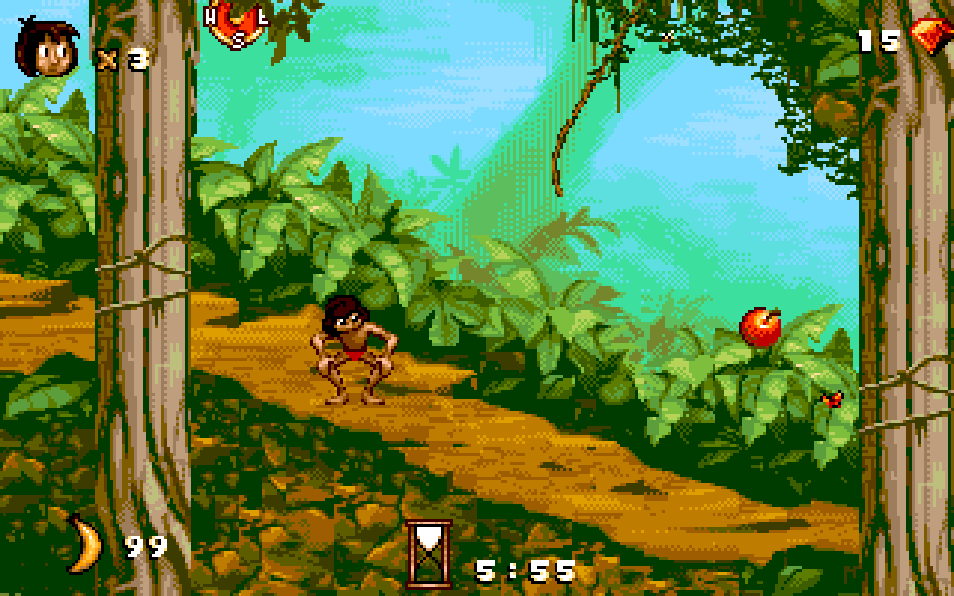
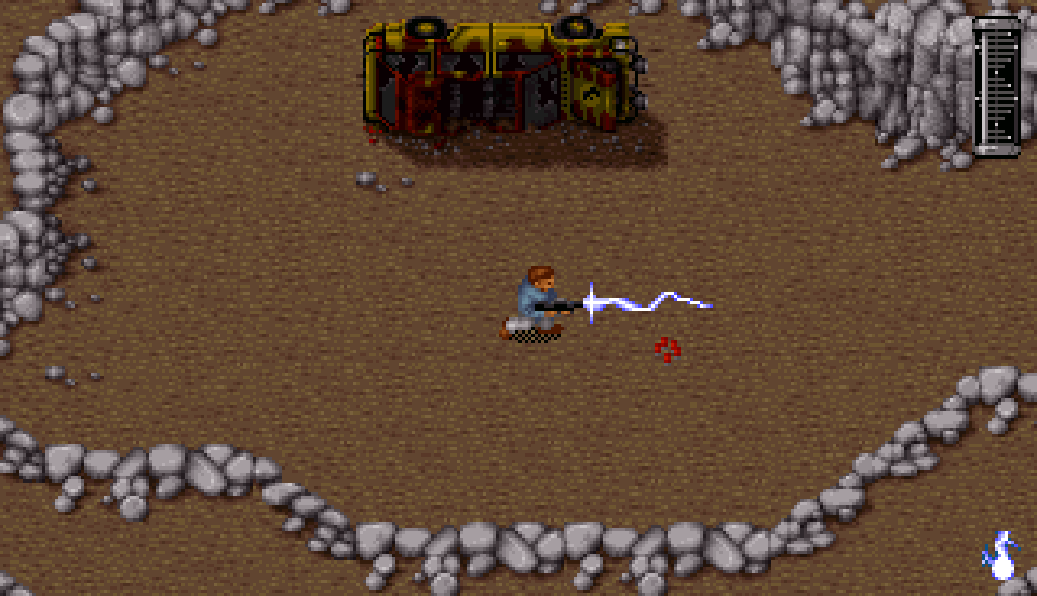
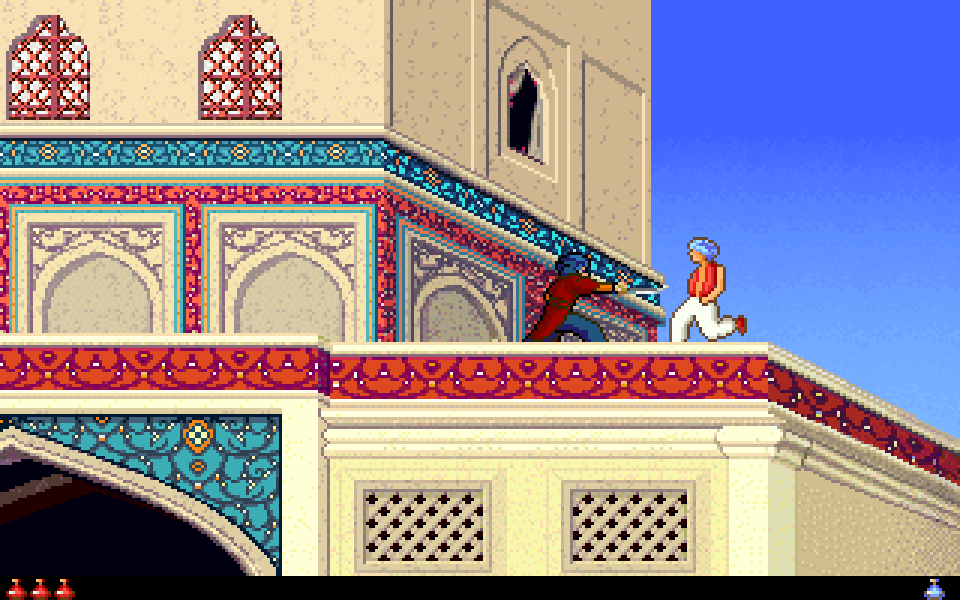
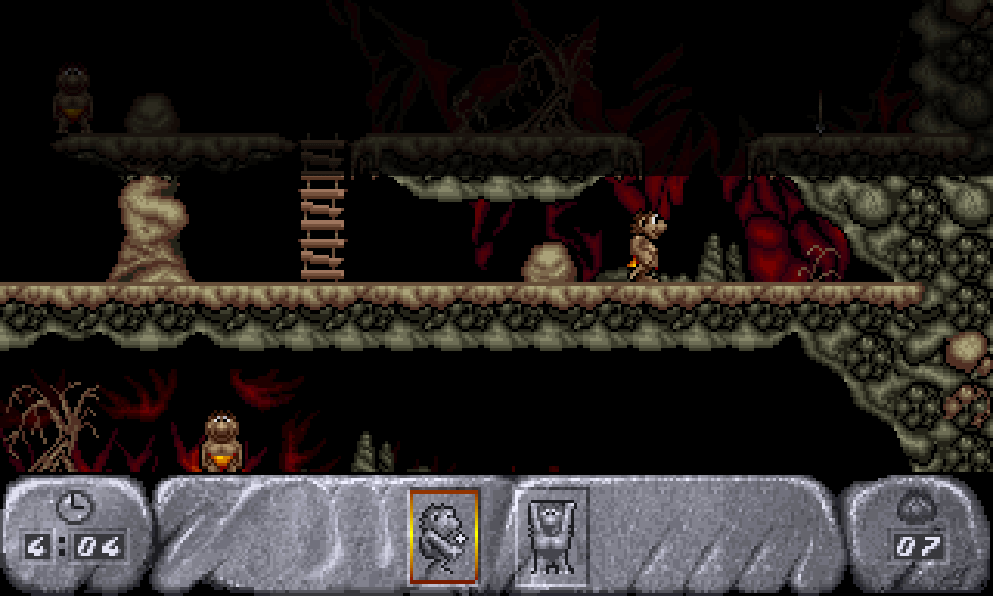
The game uses a side-scrolling platform view with direct left-right movement, jumping, and melee attacks. Players clear 18 stages set in places such as ice fields, caves, jungles, and ancient ruins, while defeating enemies and collecting food items for points. Weapons can be upgraded with pick-ups like a flaming club or ranged tools, helping with enemies that are difficult to reach. Progress is stage-based, with hidden areas and bonus sections rewarding exploration.
Prehistorik 2
DOSControls
These are the emulator defaults. You can remap them from the emulator menu.
PC Keyboard
Game Button
↑
Move up
↓
Move down
←
Move left
→
Move right
Space
Primary action
Enter
Confirm / start
Esc
Back / menu
Game-specific controls
No verified game-specific inputs or combos are available for this version yet.
Gameplay
Characters
Prehistorik Man
The playable caveman hero who uses a club and other collected weapons to fight through the prehistoric stages.
Strategy
Keep moving and learn enemy patterns, since many threats are easier to avoid than fight head-on. Save ranged or upgraded weapons for airborne enemies and tougher bosses. Collect bonus food and hidden items when safe, but do not take unnecessary damage for score items. In platform sections, make short controlled jumps to avoid falling or landing on enemies.
Cheats
No cheats or unlockables available
Tips
Tips and tricks
- Use the club’s reach carefully; some enemies can be hit from slightly farther away than expected.
- Explore off the main route for hidden bonuses, but only when the screen is clear.
- Ranged weapons are especially useful for enemies placed on ledges or behind hazards.
Comments
Loading...
How do you play Prehistorik 2 online?
Start Prehistorik 2 directly on this page with ClassicEmu. The emulator runs in your browser, so you can play online without installing a desktop emulator first.
Related Games
More games from nearby platforms and categories.