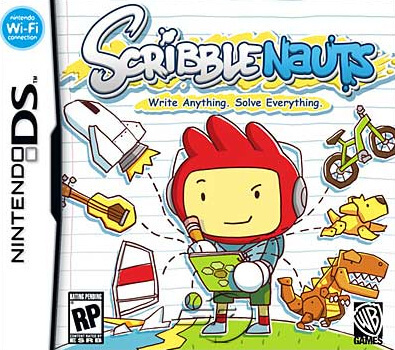
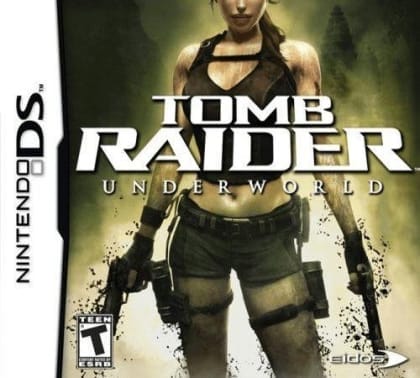
Take turns drawing the secret keyword, guess another player's sketch, and earn points for speed and accuracy. The game supports one-player practice as well as local group play, with the DS acting as both a drawing board and an answer sheet.
PictoImage (USA) (En,Fr,De,Es,It)
Nintendo DS
Login to use cloud saves
Login
Controls
These are the emulator defaults. You can remap them from the emulator menu.
PC Keyboard
Game Button
↑
UP
↓
DOWN
←
LEFT
→
RIGHT
Z
A
X
B
A
Y
S
X
Q
L
W
R
Enter
START
Shift
SELECT
Game-specific controls
Game-specific controls
In-game action
Keyboard
Use the stylus and touch screen for sketching, writing guesses, selecting tools, and board interaction. Use the D-pad and face buttons for menus and confirmation; multiplayer requires local DS communication support.
Verify the loaded Arcade Systems build instructions when the public sources do not provide a complete control table.
Notes
- The loaded Arcade Systems mapping takes priority over generic labels.
Gameplay
Characters
Main player character
Opposing characters
Stage or scenario characters
Strategy
Draw the largest identifying feature first, avoid filling the canvas with small detail, and answer before another interpretation takes over. Use the current localized word list as the authority and keep the stylus near the drawing area during a timed round.
Cheats
No cheats or unlockables available
Tips
No tips available
Comments
Loading...
How do you play PictoImage (USA) (En,Fr,De,Es,It) online?
Start PictoImage (USA) (En,Fr,De,Es,It) directly on this page with ClassicEmu. The emulator runs in your browser, so you can play online without installing a desktop emulator first.
Related Games
More games from nearby platforms and categories.