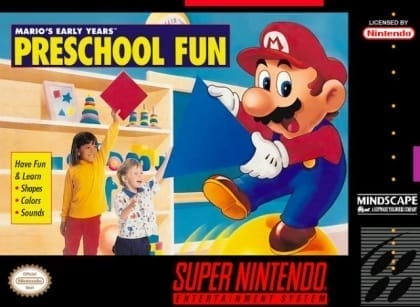
Players move through learning scenes by selecting letters, matching pictures to sounds, and completing spelling and listening exercises. Controls are kept simple, relying mainly on directional input and confirmation. The game is structured as a set of short activities and mini-games, with progress advancing after each completed exercise and plenty of repetition for reinforcement.
Mario's Early Years: Fun with Letters
Super Nintendo Entertainment System
Login to use cloud saves
Login
Controls
These are the emulator defaults. You can remap them from the emulator menu.
PC Keyboard
Game Button
↑
UP
↓
DOWN
←
LEFT
→
RIGHT
Z
A
X
B
A
Y
S
X
Q
L
W
R
Enter
START
Shift
SELECT
Game-specific controls
No verified game-specific inputs or combos are available for this version yet.
Gameplay
Characters
Mario
The main mascot who guides the learning activities.
Luigi
Appears in some activities to assist with letter and word practice.
Princess Peach
Appears in some scenes as a Mushroom Kingdom character.
Yoshi
Participates in child-friendly learning interactions.
Strategy
Start with the easiest recognition tasks, then move on to spelling and sound-matching exercises once the patterns become familiar. In timed segments, watch the prompt carefully before acting. For young players, repeating mastered activities is often more effective than rushing forward.
Cheats
No cheats or unlockables available
Tips
Tips and tricks
- Let younger players learn the confirm and back buttons first to avoid accidental inputs.
- Repeat letters already learned before introducing new ones.
- Use the voice cues as the primary clue and treat the images as support.
Comments
Loading...
How do you play Mario's Early Years: Fun with Letters online?
Start Mario's Early Years: Fun with Letters directly on this page with ClassicEmu. The emulator runs in your browser, so you can play online without installing a desktop emulator first.
Related Games
More games from nearby platforms and categories.