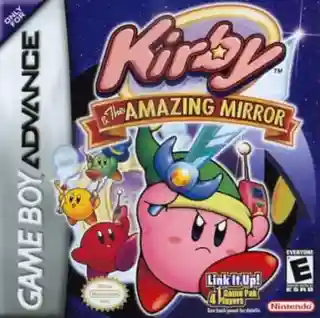
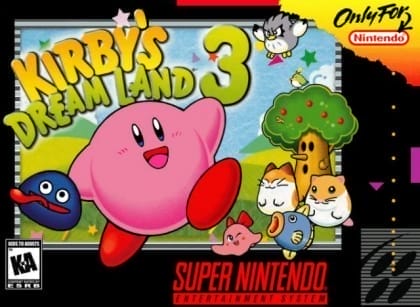
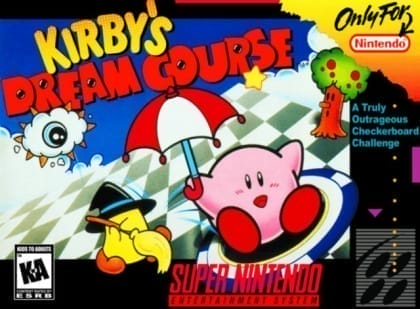
The game uses a side-scrolling perspective in which Kirby inhales enemies to copy their powers, then uses those abilities to fight, solve simple obstacles, and reach secret areas. A new bubble-storage system lets players hold copied abilities, food, and treasure chests, making it easy to save useful items for later. Touch-screen controls are used mainly for managing stored items, while the main action remains button-driven. Stages feature hidden rooms, breakable walls, and collectible chests, and clearing them unlocks more completion content. Kirby also retains floating, sliding, and basic attack options depending on the current ability.
Kirby: Squeak Squad
Nintendo DS
Login to use cloud saves
Login
Controls
These are the emulator defaults. You can remap them from the emulator menu.
PC Keyboard
Game Button
↑
UP
↓
DOWN
←
LEFT
→
RIGHT
Z
A
X
B
A
Y
S
X
Q
L
W
R
Enter
START
Shift
SELECT
Game-specific controls
No verified game-specific inputs or combos are available for this version yet.
Gameplay
Characters
Kirby
The pink hero who searches for the stolen strawberry shortcake and copies enemy abilities.
Squeak Squad
A gang of mouse thieves who trigger the game's main conflict by stealing Kirby's treasure.
King Dedede
A recurring series character who appears in Kirby's broader adventures.
Strategy
Keep an ability that matches the stage: ranged powers are safer for flying enemies, while strong close-range abilities can clear groups quickly. Store spare items in bubbles so you can save healing food or a useful power for later rooms. Search for cracked walls, hidden passages, and optional rooms whenever a stage seems unusually short. Before boss fights, stock up on health and try to preserve a high-value ability that suits the boss's attack pattern.
Cheats
No cheats or unlockables available
Tips
Tips and tricks
- Use the touch screen to organize your bubble inventory without interrupting progress.
- Treasure chests are often tucked behind alternate routes or hidden walls.
Comments
Loading...
How do you play Kirby: Squeak Squad online?
Start Kirby: Squeak Squad directly on this page with ClassicEmu. The emulator runs in your browser, so you can play online without installing a desktop emulator first.
Related Games
More games from nearby platforms and categories.