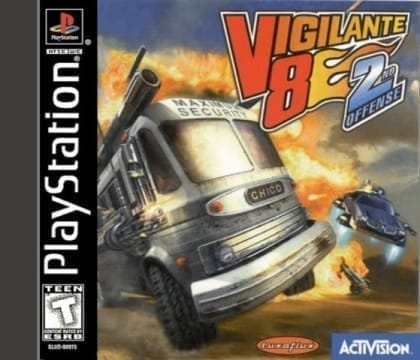
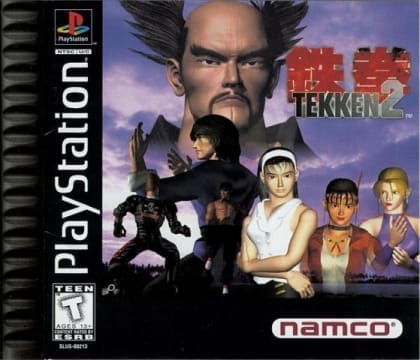
The game is split into distinct mission types that switch between combat, driving, and objective-based action. Depending on the stage, players move through levels from different camera perspectives, fight enemies, chase targets, or clear set goals under time pressure. Success depends on learning each mode's controls, conserving health and ammunition, and memorizing enemy patterns and stage routes. Some sections emphasize speed and precision, while others focus on firepower and survival.
Die Hard Trilogy 2: Viva Las Vegas
PlayStation
Login to use cloud saves
Login
Controls
These are the emulator defaults. You can remap them from the emulator menu.
PC Keyboard
Game Button
↑
UP
↓
DOWN
←
LEFT
→
RIGHT
Z
A
X
B
A
Y
S
X
Q
L
W
R
Enter
START
Shift
SELECT
Game-specific controls
No verified game-specific inputs or combos are available for this version yet.
Gameplay
Characters
No character information available
Strategy
Learn the controls for each mode separately before pushing for faster clears. In combat stages, use cover and corners to reduce incoming fire, and save stronger weapons for dense enemy groups or boss encounters. In driving sections, smooth braking and controlled turns usually work better than constant acceleration.
Cheats
No cheats or unlockables available
Tips
Tips and tricks
- Learn the route first, then optimize for speed.
- Save heavy weapons for boss fights and crowded waves.
- In driving stages, steady control matters more than raw speed.
Comments
Loading...
How do you play Die Hard Trilogy 2: Viva Las Vegas online?
Start Die Hard Trilogy 2: Viva Las Vegas directly on this page with ClassicEmu. The emulator runs in your browser, so you can play online without installing a desktop emulator first.
Related Games
More games from nearby platforms and categories.