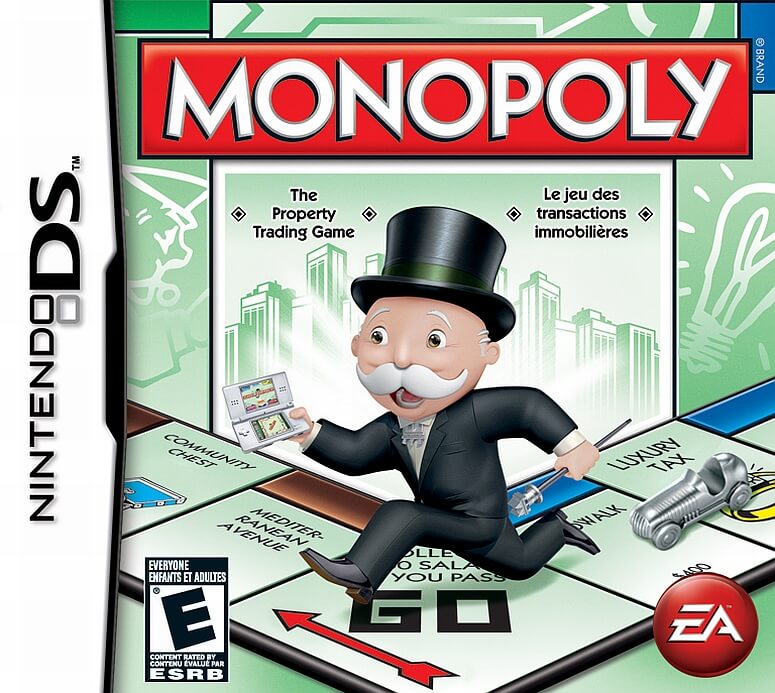
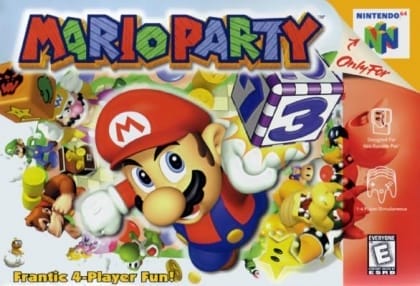
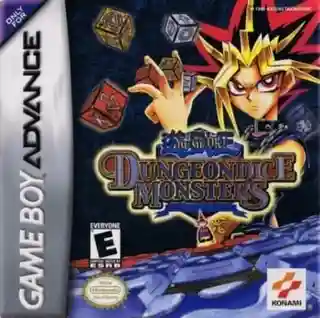
Select a tabletop game, review its rules, and play against the computer or other players through DS wireless and Download Play features. Use the touch screen for cards, boards, pieces, and scorekeeping, then move between games to build a varied session.
Clubhouse Games
Nintendo DS
Login to use cloud saves
Login
Controls
These are the emulator defaults. You can remap them from the emulator menu.
PC Keyboard
Game Button
↑
UP
↓
DOWN
←
LEFT
→
RIGHT
Z
A
X
B
A
Y
S
X
Q
L
W
R
Enter
START
Shift
SELECT
Game-specific controls
Game-specific controls
In-game action
Keyboard
Use the stylus and touch screen for cards, pieces, boards, aiming, and menus. Use the D-pad and face buttons for navigation and confirmation; this release supports English, French, German, Spanish, and Italian text and DS wireless play.
Verify the loaded Arcade Systems build instructions when the public sources do not provide a complete control table.
Notes
- The loaded Arcade Systems mapping takes priority over generic labels.
Gameplay
Characters
Main player character
Opposing characters
Stage or scenario characters
Strategy
Learn the house rules before starting a match, use the tutorial for games you do not know, and choose a low-risk opening while learning the opponent logic. In multiplayer, agree on the rule set first and use the quick-game options to keep the session moving.
Cheats
No cheats or unlockables available
Tips
No tips available
Comments
Loading...
How do you play Clubhouse Games online?
Start Clubhouse Games directly on this page with ClassicEmu. The emulator runs in your browser, so you can play online without installing a desktop emulator first.
Related Games
More games from nearby platforms and categories.