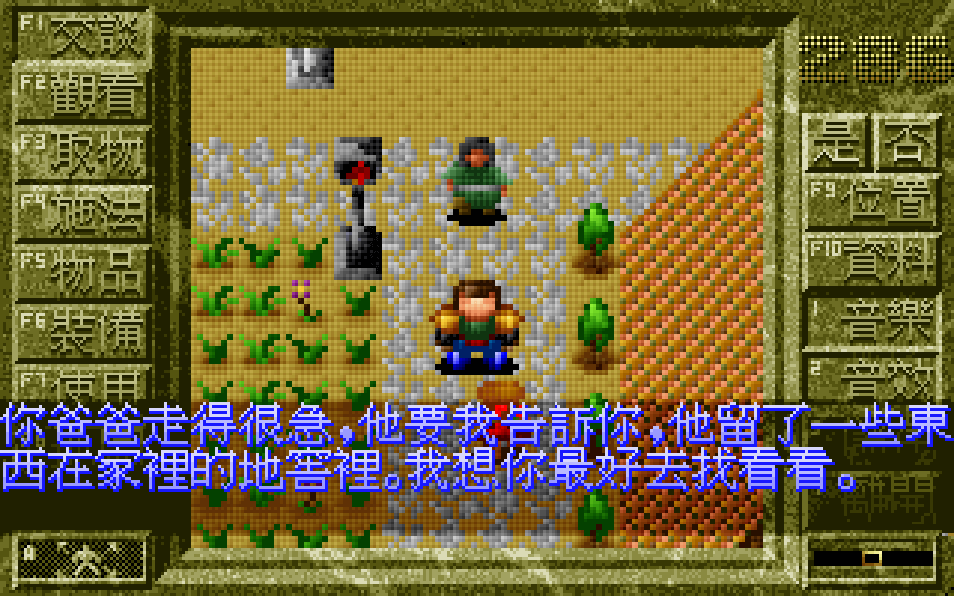
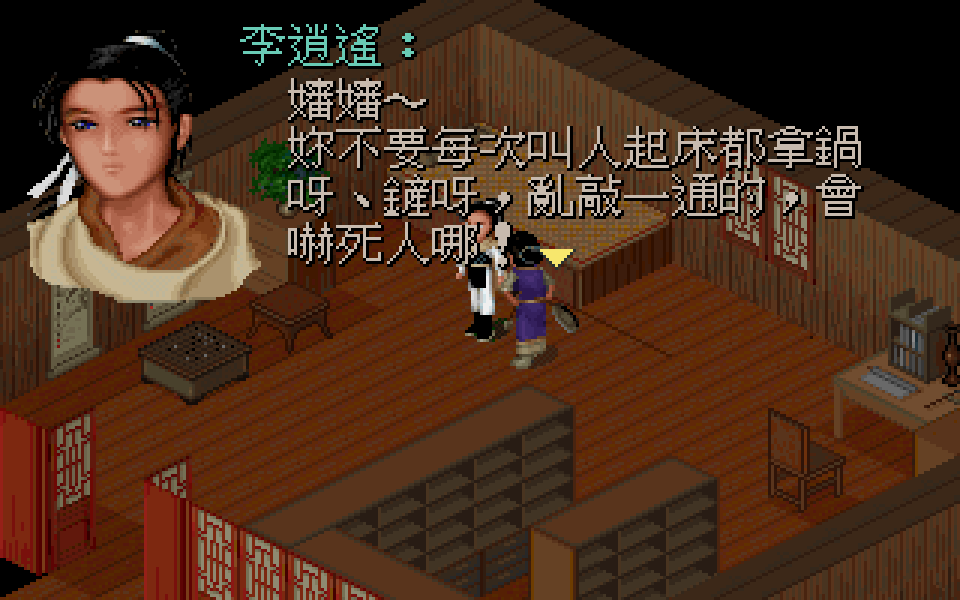
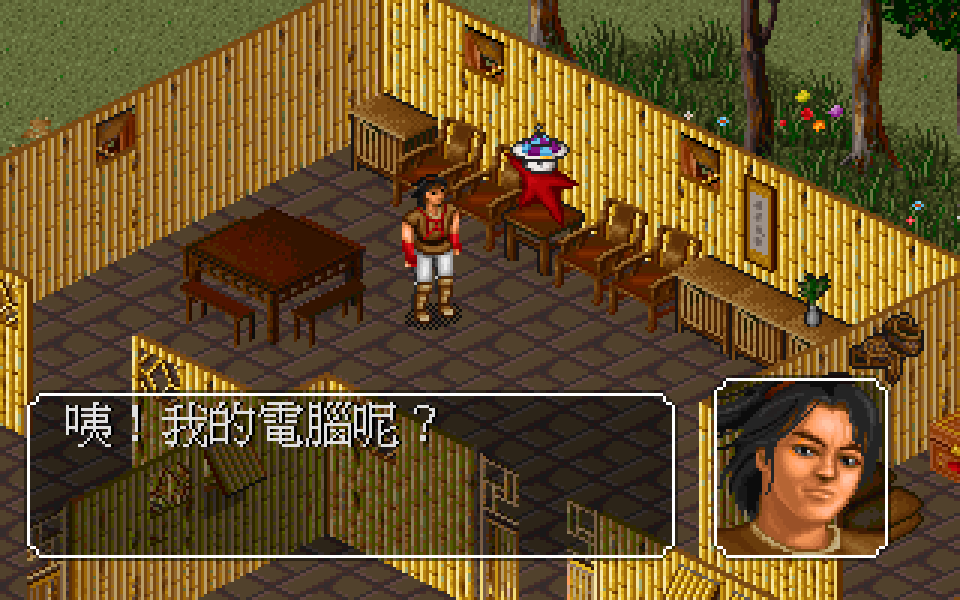
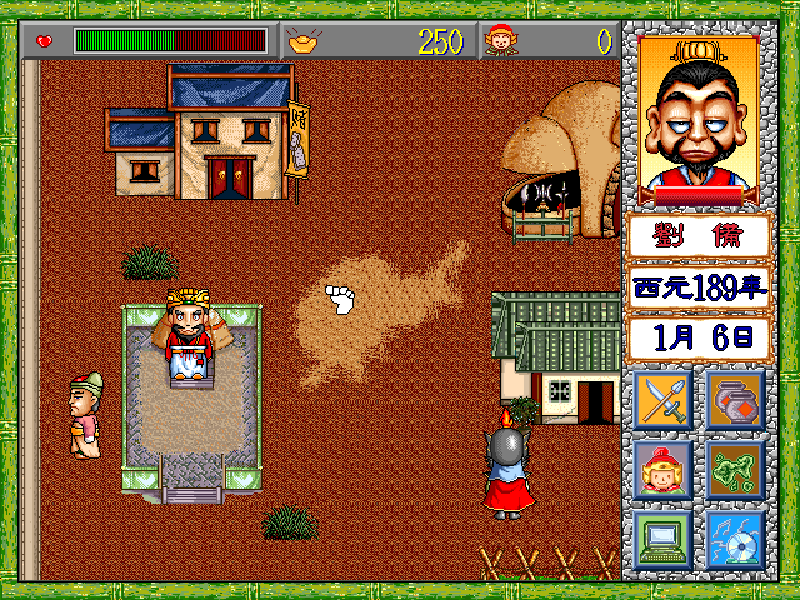
The game uses an isometric overhead view for exploration, with the player moving a single protagonist through towns, fields, and dungeons. Interaction is handled through shortcut icons on the right side of the interface, including talking, searching, spellcasting, and combat actions. Encounters lead into turn-based battles, while exploration continues in real time. Progress is driven by story events, item gathering, and advancing through new locations and quests.
Chaos World: Demon Subjugation Chronicles
DOSControls
These are the emulator defaults. You can remap them from the emulator menu.
PC Keyboard
Game Button
↑
Move up
↓
Move down
←
Move left
→
Move right
Space
Primary action
Enter
Confirm / start
Esc
Back / menu
Game-specific controls
No verified game-specific inputs or combos are available for this version yet.
Gameplay
Characters
Young Hero
The unnamed main protagonist, depicted with a green headband, who travels across the land to subdue demons and uncover the story.
Strategy
Talk to NPCs frequently, as quest triggers and clues are often hidden in dialogue. Search every new area for items before moving on, since key resources may be easy to miss. In combat, conserve spells for tougher encounters and make sure the party or hero is prepared before entering wilderness or dungeon areas. Saving before major story advances is also advisable.
Cheats
No cheats or unlockables available
Tips
Tips and tricks
- Check village interiors and side paths for hidden items.
- Use dialogue carefully, since story progression may depend on speaking to the right people.
- Enter combat with healing or recovery items ready for longer encounters.
Comments
Loading...
How do you play Chaos World: Demon Subjugation Chronicles online?
Start Chaos World: Demon Subjugation Chronicles directly on this page with ClassicEmu. The emulator runs in your browser, so you can play online without installing a desktop emulator first.