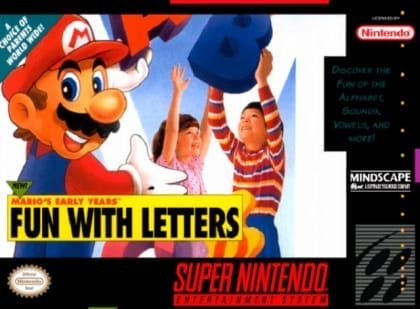
The game uses child-friendly point-and-select interaction across a set of themed screens. Players choose objects, respond to prompts, and complete matching, sorting, and recognition tasks. Progress is driven by short educational activities rather than traditional levels, with feedback focused on colors, letters, numbers, shapes, and simple vocabulary. Controls are minimal and designed for very young players.
Mario's Early Years: Preschool Fun
Super Nintendo Entertainment System
Login to use cloud saves
Login
Controls
These are the emulator defaults. You can remap them from the emulator menu.
PC Keyboard
Game Button
↑
UP
↓
DOWN
←
LEFT
→
RIGHT
Z
A
X
B
A
Y
S
X
Q
L
W
R
Enter
START
Shift
SELECT
Game-specific controls
No verified game-specific inputs or combos are available for this version yet.
Gameplay
Characters
Mario
The main mascot and guide who leads players through the learning activities.
Luigi
A supporting character who appears in some interactive scenes.
Princess Peach
Appears in friendly educational scenes as part of the Mario cast.
Yoshi
A cheerful character used to add charm to the learning activities.
Strategy
Start with the easiest recognition tasks to become familiar with the interface. Use the on-screen prompts and audio cues before selecting an answer. For matching and sorting exercises, focus on one attribute at a time, such as color or shape, to reduce mistakes.
Cheats
No cheats or unlockables available
Tips
Tips and tricks
- Best played with a parent or teacher nearby for guided practice.
- Let the child say the answer out loud before pressing a button to reinforce learning.
Comments
Loading...
How do you play Mario's Early Years: Preschool Fun online?
Start Mario's Early Years: Preschool Fun directly on this page with ClassicEmu. The emulator runs in your browser, so you can play online without installing a desktop emulator first.
Related Games
More games from nearby platforms and categories.