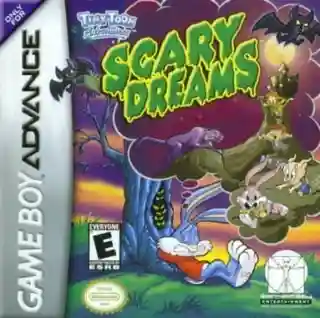
The game uses a vertical playfield where players move, rotate, and drop falling blocks to form valid matches and clear space. Successive clears can pressure the opposing side, while special power-ups and interference effects add unpredictability to matches. The main structure centers on solo play against CPU opponents, with controls mapped to the D-pad and buttons for movement, rotation, and faster drops. Difficulty rises as opponents react faster and the board becomes harder to manage.
Tiny Toon Adventures: Wacky Stackers
Game Boy Advance
Login to use cloud saves
Login
Controls
These are the emulator defaults. You can remap them from the emulator menu.
PC Keyboard
Game Button
↑
UP
↓
DOWN
←
LEFT
→
RIGHT
Z
A
X
B
A
Y
S
X
Q
L
W
R
Enter
START
Shift
SELECT
Game-specific controls
No verified game-specific inputs or combos are available for this version yet.
Gameplay
Characters
Buster Bunny
One of the main Tiny Toon leads and a selectable character.
Babs Bunny
A central cast member known for her lively and comedic personality.
Plucky Duck
A recurring major character who appears as a selectable opponent or player character.
Hamton J. Pig
An important supporting Tiny Toon character featured in the roster.
Strategy
Keep the middle of the board tidy early and avoid creating deep gaps that are hard to fill. Do not rush every drop; stabilize your upper layers before going for larger clears. When hit by disruptions, clear the tallest and messiest sections first to regain control. If the game rewards chain play, build small safe setups and unleash them once the opponent’s stack is already under pressure.
Cheats
No cheats or unlockables available
Tips
Tips and tricks
- A flat board is usually safer than forcing risky combos.
- Clear high clutter first when the screen gets messy.
- Learning the falling speed changes improves recovery and consistency.
Comments
Loading...
How do you play Tiny Toon Adventures: Wacky Stackers online?
Start Tiny Toon Adventures: Wacky Stackers directly on this page with ClassicEmu. The emulator runs in your browser, so you can play online without installing a desktop emulator first.
Related Games
More games from nearby platforms and categories.