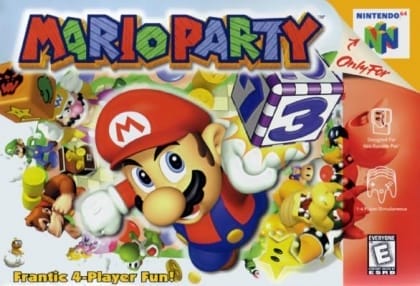
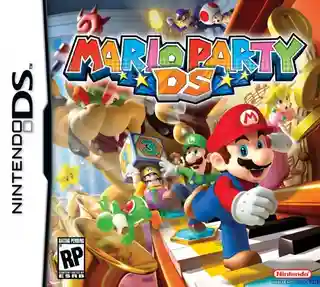
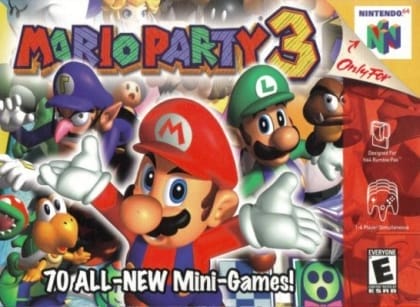
Players take turns rolling dice and moving around a board viewed from above. Landing on different spaces can trigger shops, events, battles, or a mini-game at the end of the round. Mini-games include 4-player, 2v2, and 1v3 formats, with coins awarded based on performance. Coins are used to buy stars, items, and special effects. Each board has unique routes, hazards, and rules, so success depends on route planning, item use, and mini-game skill.
Mario Party 2
Nintendo 64
Login to use cloud saves
Login
Controls
These are the emulator defaults. You can remap them from the emulator menu.
PC Keyboard
Game Button
↑
UP
↓
DOWN
←
LEFT
→
RIGHT
Z
A
X
B
A
Y
S
X
Q
L
W
R
Enter
START
Shift
SELECT
Game-specific controls
No verified game-specific inputs or combos are available for this version yet.
Gameplay
Characters
Mario
The series mascot and a playable character in the game.
Luigi
Mario's brother, available as a playable character.
Princess Peach
A classic Nintendo character playable in all main modes.
Yoshi
A fast-moving series regular who can be selected by players.
Wario
A playable character whose chaotic style adds to the competition.
Waluigi
A competitive character usable as part of the roster.
Strategy
Focus on maintaining a steady coin supply so you can afford stars as soon as the opportunity appears. Learn each board's shortcuts and event spaces, and do not waste items if they can help you reach the star or block an opponent. In team and 1v3 mini-games, understanding the objective matters more than flashy play, so prioritize consistency. Plan several turns ahead, especially when boards include traps, movement changes, or space-swapping events.
Cheats
No cheats or unlockables available
Tips
Tips and tricks
- Save coins for stars instead of spending them too early on small advantages.
- Mini-game consistency is often more important than risky board moves.
- Board mechanics vary a lot, so learn each map's hazards before you chase stars.
Comments
Loading...
How do you play Mario Party 2 online?
Start Mario Party 2 directly on this page with ClassicEmu. The emulator runs in your browser, so you can play online without installing a desktop emulator first.
Related Games
More games from nearby platforms and categories.