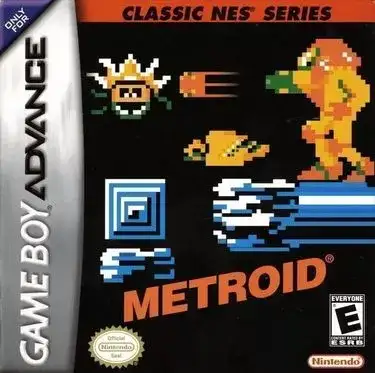
The game uses a first-person perspective as players explore interconnected stages, activate switches, collect keycards, and locate level exits. Core actions include moving, turning, shooting, switching weapons, and dodging enemy attacks. Weapons include fists, chainsaw, pistol, shotgun, chaingun, rocket launcher, and plasma rifle. Progression is stage-based across multiple episodes, and some versions include multiplayer support for cooperative and versus play.
DOOM
Game Boy Advance
Login to use cloud saves
Login
Controls
These are the emulator defaults. You can remap them from the emulator menu.
PC Keyboard
Game Button
↑
UP
↓
DOWN
←
LEFT
→
RIGHT
Z
A
X
B
A
Y
S
X
Q
L
W
R
Enter
START
Shift
SELECT
Game-specific controls
No verified game-specific inputs or combos are available for this version yet.
Gameplay
Characters
Doomguy
The player character, sent into the Mars base to eliminate the demonic threat.
Strategy
Learn level layouts and keycard locations early to avoid getting trapped or wasting health. Use cover and controlled shots against distant enemies, while the shotgun is ideal for close and mid-range fights. The rocket launcher is powerful but dangerous in tight rooms. Since ammo and health pickups are limited, avoid unnecessary damage and save stronger weapons for heavy encounters later in each episode.
Cheats
No cheats or unlockables available
Tips
Tips and tricks
- Memorize door colors and switch locations to reduce backtracking.
- The shotgun is efficient for most regular encounters.
- Strafing is safer than simply backing away from projectile attacks.
Comments
Loading...
How do you play DOOM online?
Start DOOM directly on this page with ClassicEmu. The emulator runs in your browser, so you can play online without installing a desktop emulator first.
Related Games
More games from nearby platforms and categories.